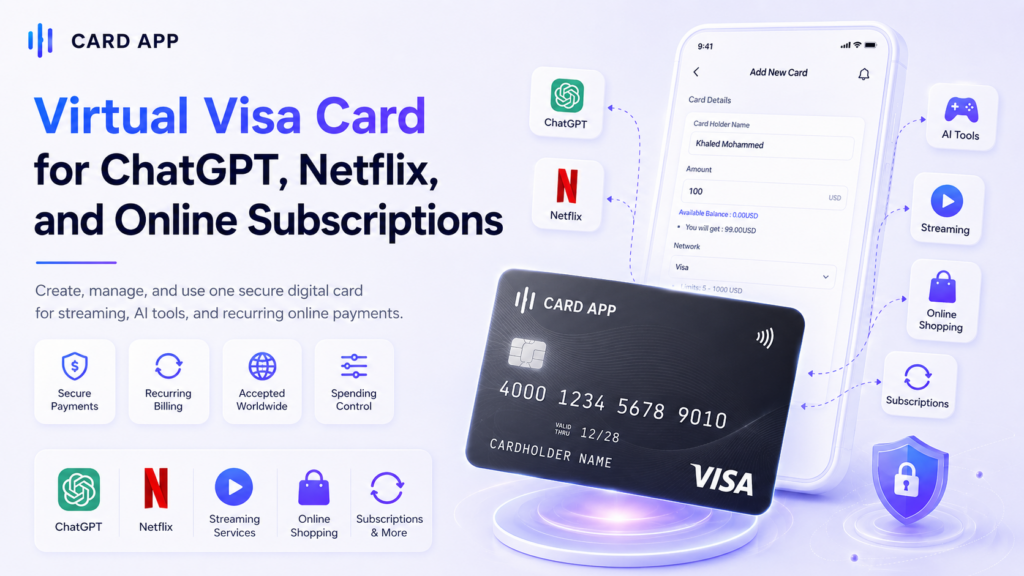
Virtual Visa Card for ChatGPT, Netflix, and Online Subscriptions
Last updated: 8 June، 2026

Related Articles:
A Virtual Visa Card is one of the easiest payment tools for users who want to pay for online subscriptions without using a physical card. It can be used for websites, apps, digital services, streaming platforms, AI tools, and many other online payments when the merchant accepts Visa cards.
Many users search for a virtual card for ChatGPT, a virtual card for Netflix, or an online payment card that works for monthly subscriptions. The idea is simple: instead of using your main bank card everywhere, you can create a separate digital Visa card and use it for specific services.
This guide explains how a Virtual Visa Card works, how to use it for ChatGPT, Netflix, and other subscriptions, what can cause a payment to fail, and how Card App can help users create a virtual card for online payments.

What Is a Virtual Visa Card?
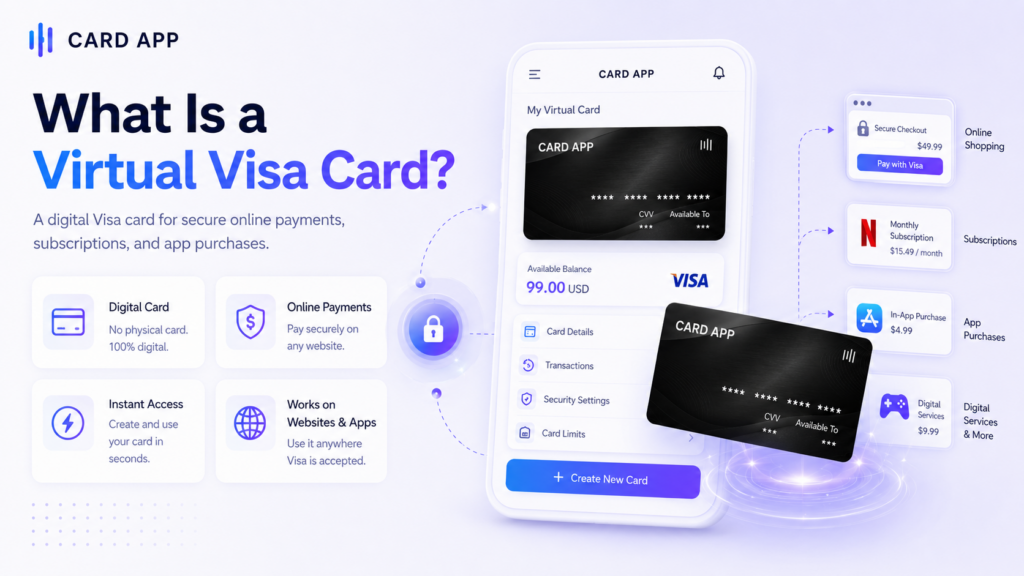
A Virtual Visa Card is a digital card that gives users card details for online payments, such as a card number, expiry date, and CVV. It works through the Visa payment network, but it does not need to be a plastic card.
This type of card is commonly used for online checkout pages, app payments, recurring subscriptions, and digital services. It may be prepaid, debit-based, or linked to a digital wallet, depending on the provider.
1. How a Virtual Visa Card Works
A Virtual Visa Card works like a regular Visa card for online payments, but the card exists digitally. The user creates the card, adds or selects a balance, then enters the card details on the payment page.
Before using it, users should check:
- Available balance
- Card expiry date
- Visa network support
- Recurring payment support
- International payment availability
This is important because subscriptions like ChatGPT, Netflix, streaming platforms, and software tools often renew automatically. A one-time or expired virtual card may not work well for recurring billing.
2. Why Users Use Virtual Visa Cards for Subscriptions
Users choose a Virtual Visa Card for subscriptions because it gives them more control. They can separate subscription spending from their main card, manage renewals better, and reduce exposure of their primary bank details online.
A subscription payment card can be useful for:
- ChatGPT and AI tools
- Netflix and streaming services
- Software and SaaS platforms
- Cloud storage and hosting
- Online learning memberships
For best results, users should choose a reusable virtual card instead of a single-use card when paying for monthly plans.
اقرأ أيضًا: Virtual Card: How to Create and Use It Online
Can You Use a Virtual Visa Card for ChatGPT?
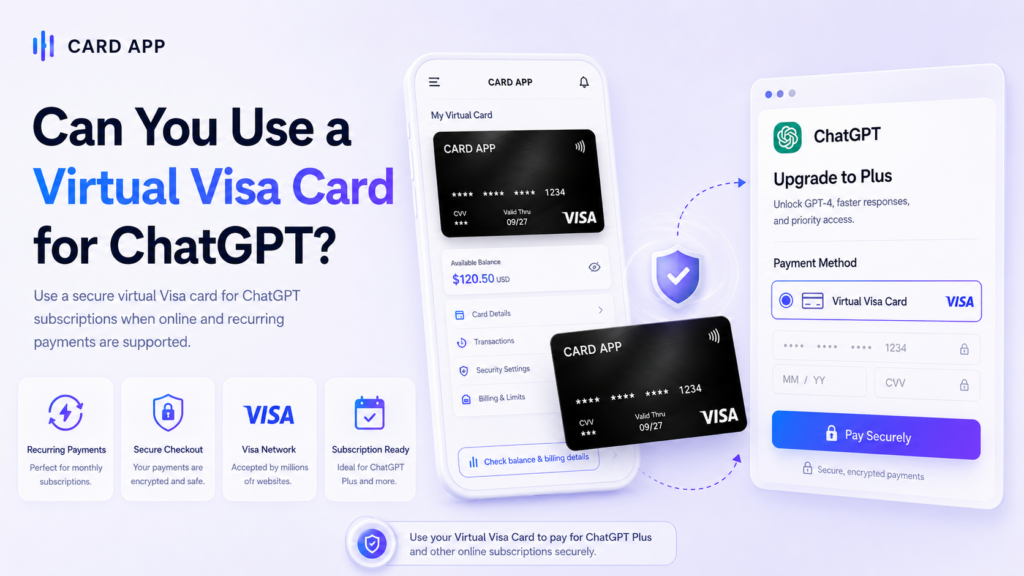
Yes, a Virtual Visa Card may work for ChatGPT if the card is accepted by the checkout, has enough balance, supports online payments, and matches the required billing information. ChatGPT payments usually depend on the payment processor, country, card issuer, and subscription type.
A virtual card for ChatGPT is useful for users who want to subscribe to ChatGPT Plus, Pro, or other paid plans without using their main card. However, acceptance is not guaranteed for every card or every region.
1. How to Pay ChatGPT with a Virtual Visa Card
The process is usually simple. The user needs valid card details and enough balance to cover the subscription fee and any authorization checks.
Basic steps:
- Open your ChatGPT account.
- Go to the Upgrade or Billing section.
- Choose the plan you want.
- Enter your Virtual Visa Card number, expiry date, and CVV.
- Add the correct billing details.
- Confirm the payment and check if the subscription is activated.
If the payment succeeds, keep enough balance for the next renewal date. If the card is removed, expired, or empty, the subscription may fail at renewal.
2. Why ChatGPT May Decline a Virtual Card
Sometimes a Virtual Visa Card may be declined even if the card looks correct. This does not always mean the platform is rejecting all virtual cards. It may be related to the issuer, billing country, or card settings.
Common reasons include:
- Insufficient balance on the card.
- Wrong billing address or country mismatch.
- Recurring payments not supported by the card.
- International payments blocked by the card issuer.
- Payment processor restrictions for some card types.
If this happens, users should check the card balance, billing details, and whether the card supports recurring online payments.
Can You Use a Virtual Visa Card for Netflix?
A Virtual Visa Card may work for Netflix when the card is accepted in the user’s market and supports recurring subscription payments. Netflix accepts different payment methods, but virtual card support can vary by country, card type, and issuer.
A virtual card for Netflix can be helpful for users who want a separate card for streaming subscriptions. It can also make it easier to track the monthly Netflix payment without mixing it with other purchases.
1. How to Add a Virtual Visa Card to Netflix
To use a Virtual Visa Card for Netflix, the card should be active, funded, and ready for recurring billing.
Steps to add it:
- Sign in to your Netflix account.
- Go to Account or Payment settings.
- Choose to add or update a payment method.
- Enter the card number, expiry date, and CVV.
- Confirm the billing details.
- Save the card and check whether Netflix accepts it.
Make sure the card balance covers the monthly plan. If your plan renews automatically, add funds before the renewal date.
2. Why Netflix Payments May Fail
Netflix payments may fail for several reasons. Some are related to the card, while others are related to the user’s country or Netflix payment rules.
Possible reasons include:
- The card is not supported in that territory
- The card balance is too low
- The card does not support recurring billing
- The billing country does not match
- The card is expired or inactive
- International transactions are disabled
If Netflix rejects the card, try checking the card issuer settings or use another accepted payment method.

Best Uses of a Virtual Visa Card for Online Subscriptions
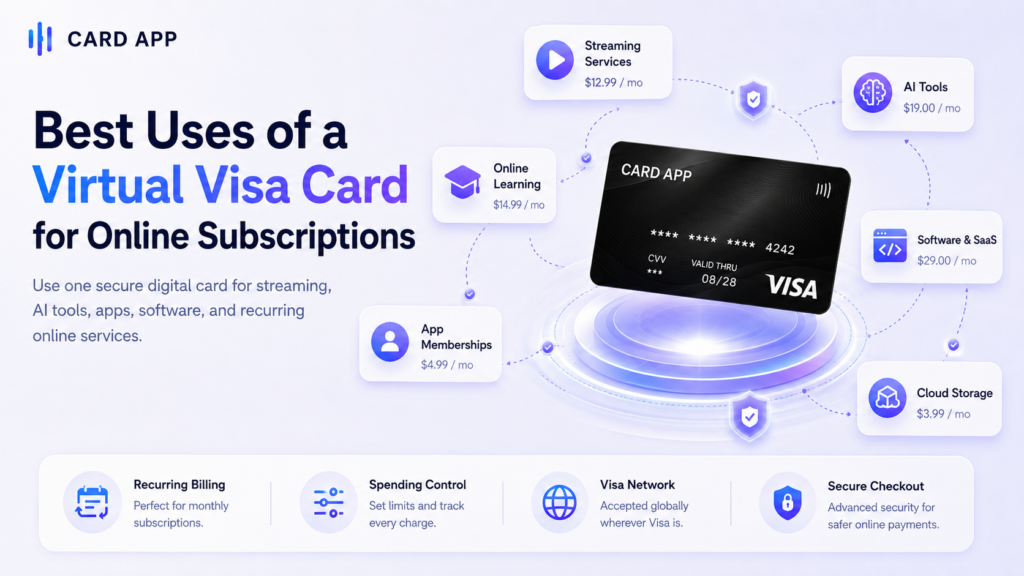
A Virtual Visa Card is not only useful for ChatGPT and Netflix. It can also work as a flexible online payment card for many digital services, especially when the card supports recurring payments.
Users often use a virtual debit card or prepaid virtual Visa card to organize online spending and avoid using their main card on many websites.
1. Subscriptions and Digital Services
A Virtual Visa Card can be useful for:
- AI subscriptions such as ChatGPT and other tools.
- Streaming platforms such as Netflix and similar services.
- Software tools for work, design, writing, or productivity.
- Cloud storage services and hosting.
- Learning platforms and online courses.
For recurring services, always check that the card can be charged again next month. A card that works for a one-time payment may not work for renewal.
2. Better Spending Control
A virtual card helps users control how much money is available for subscriptions. Instead of leaving a main bank card connected to every platform, users can add only the needed balance to a separate card.
This can help users:
- Track subscription costs
- Limit unnecessary renewals
- Separate entertainment and work payments
- Reduce exposure of main card details
- Manage monthly digital spending more clearly
Use Card App to Create a Virtual Visa Card for Online Subscriptions
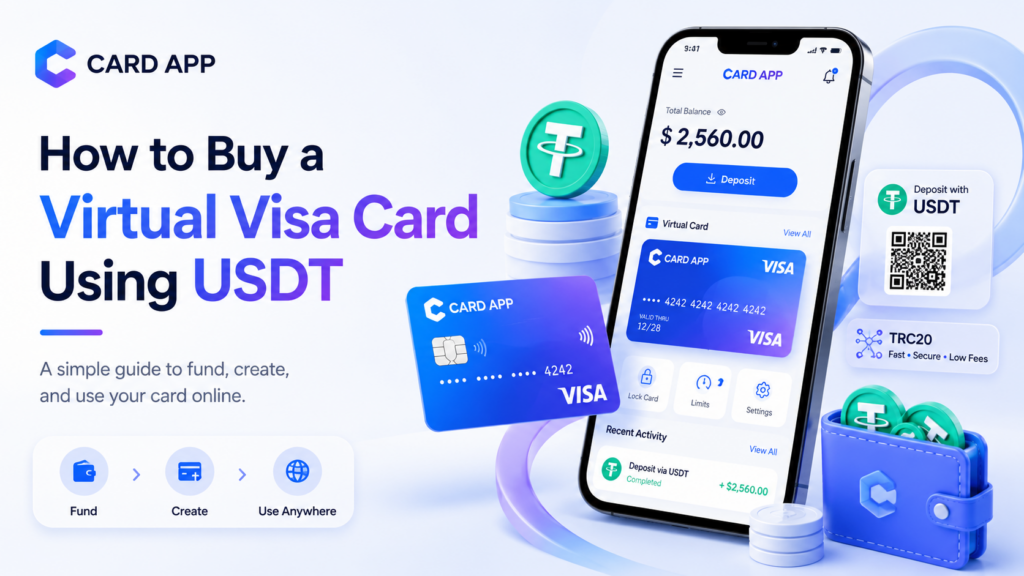
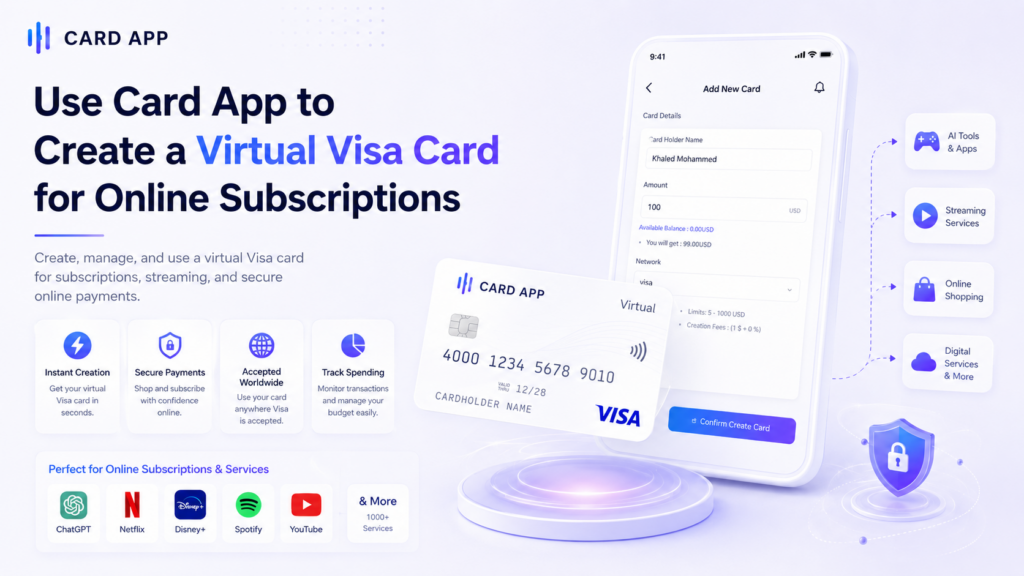
If you need a Virtual Visa Card for ChatGPT, Netflix, or online subscriptions, Card App can be a practical option to create and manage a virtual card from your phone. The app is built around digital payments, card creation, balance management, and transaction tracking.
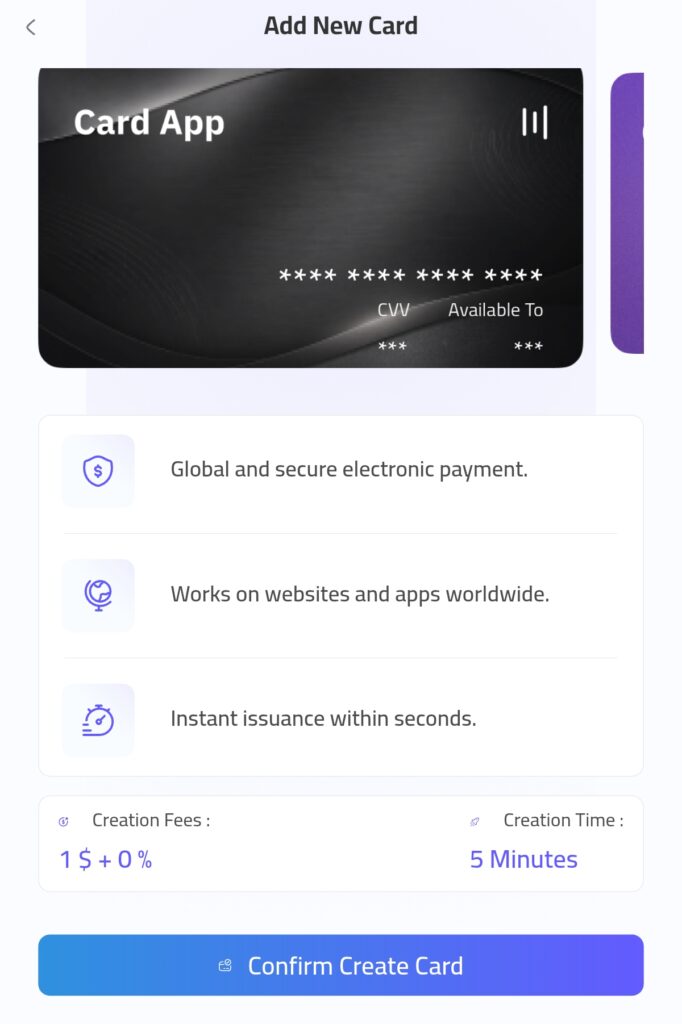
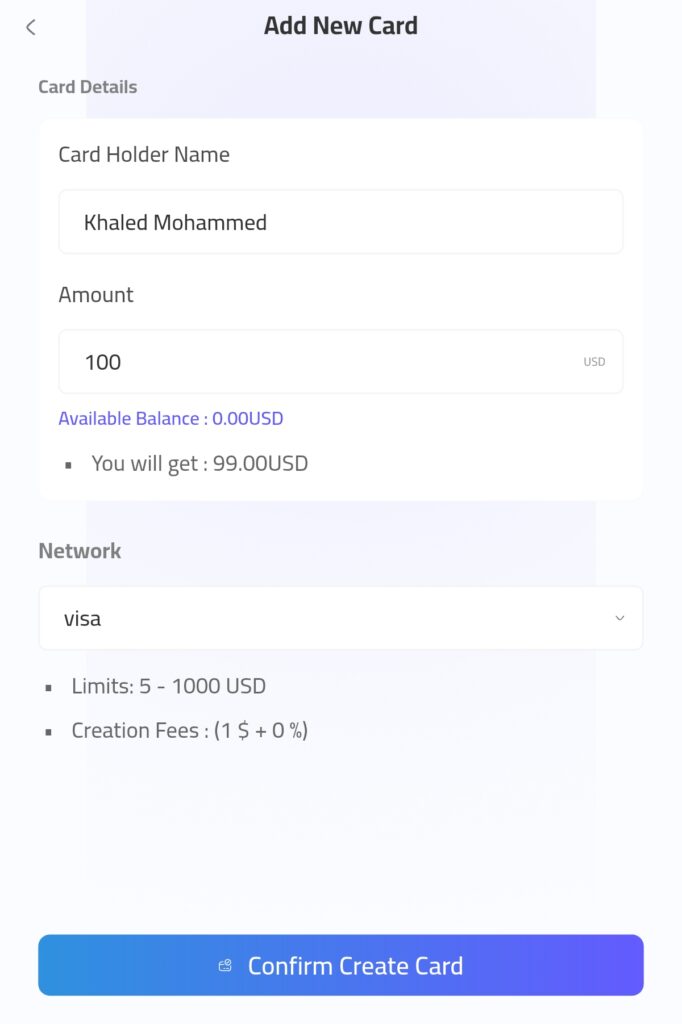
Inside Card App, users can create a virtual card by entering the cardholder name, choosing an amount, selecting the card network, and reviewing the fees and limits before confirming the card creation request.
1. Why Card App Can Help with Subscription Payments
Card App can be useful because it gives users a clear process before creating the card. The user can review important details such as:
- Card amount
- Available balance
- Network selection
- Creation fees
- Card limits
- Expected received amount
This makes the card easier to manage for services like ChatGPT, Netflix, streaming platforms, and other digital tools.
2. How to Use Card App for This Purpose
A simple process may look like this:
- Open Card App.
- Tap Add New Card.
- Enter the cardholder name.
- Choose the card amount in USD.
- Review the network, fees, and limits.
- Tap Confirm Create Card.
- Use the card details on supported subscription platforms.
Before using the card, make sure the card has enough balance and supports the payment type required by the service.

FAQ About Virtual Visa Cards for ChatGPT, Netflix, and Subscriptions
Can I use a Virtual Visa Card for ChatGPT?
Yes, you may be able to use a Virtual Visa Card for ChatGPT if the card supports online payments, has enough balance, and is accepted by the checkout.
Can I use a Virtual Visa Card for Netflix?
Yes, a Virtual Visa Card may work for Netflix in supported markets. If the card is declined, the user should check card support, balance, billing details, and regional restrictions.
What type of virtual card is best for subscriptions?
A reusable virtual card is usually better for subscriptions because it can be charged again for monthly renewals.
Why was my Virtual Visa Card declined?
It may be declined because of low balance, wrong billing details, unsupported region, blocked international payments, or lack of recurring payment support.
Conclusion: Is a Virtual Visa Card Good for Online Subscriptions?
A Virtual Visa Card can be a useful payment option for ChatGPT, Netflix, streaming services, AI tools, and other online subscriptions. It helps users separate online payments, control spending, and avoid using the main bank card across many platforms.
The key is to choose a card that supports online payments, recurring billing, and the service you want to pay for. Before subscribing, always check the card balance, billing details, network support, fees, and renewal requirements.
For users who want a simple way to create and manage a virtual card, Card App can be a helpful solution. It allows users to create a card, review the amount and fees, and use the card for supported online payments when the platform accepts it.