
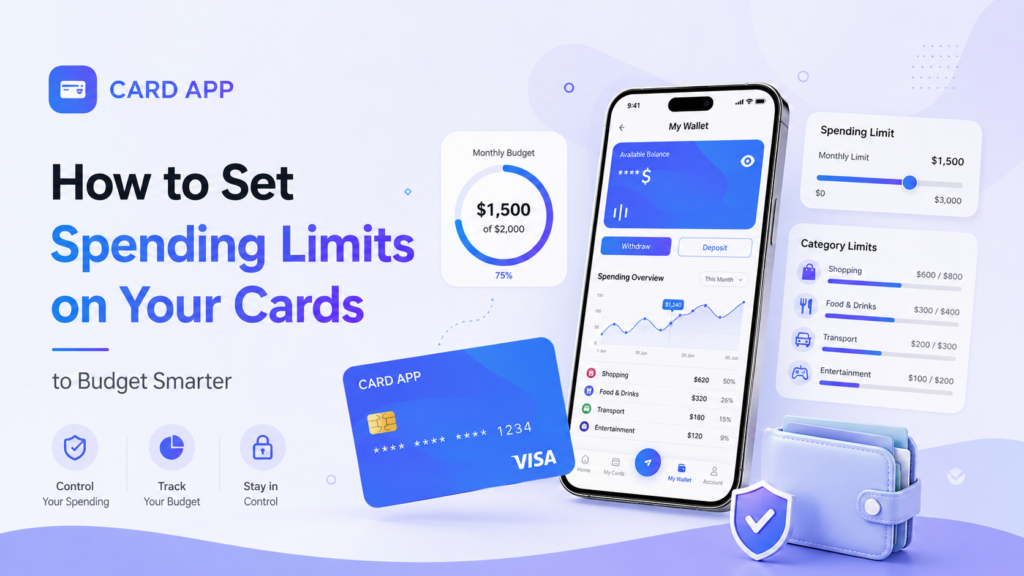
How to Set Spending Limits on Your Cards to Budget Smarter
Last updated: 3 July، 2026
Related Articles:
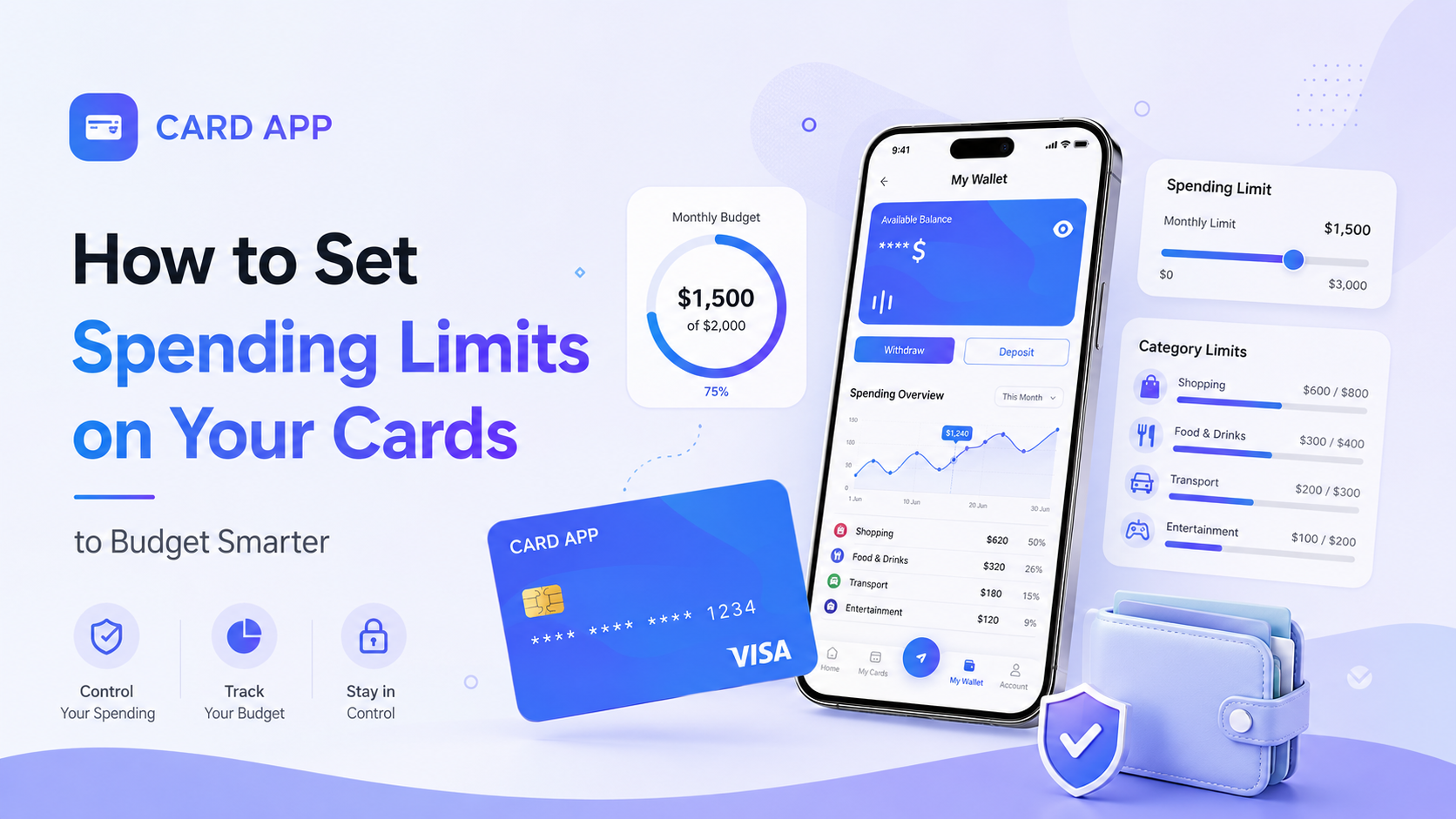
Overspending rarely starts with one major purchase. It usually comes from many small transactions: subscriptions, online shopping, food delivery, travel bookings, and app payments that slowly exceed your plan.
That is why card spending limits are useful. They give your budget a clear boundary and help you decide how much money is available before you start spending. Some card providers allow direct limits by day, week, month, transaction, or merchant category. Others help you control spending by letting you load a fixed amount onto a virtual card.
With Card App, you can create virtual cards, add only the balance you need, track transactions, and manage your card from one place. This makes a virtual card a practical tool for building a clearer spending routine.
What Are Card Spending Limits?
A spending limit on a card is the maximum amount you allow yourself to spend within a chosen period or category. It can be a direct limit set by your card provider or a personal limit created by allocating a fixed balance to one card.
Common types of spending limits include:
- Per-transaction limit: the maximum value of one purchase.
- Daily card spending limit: the total amount available in one day.
- Monthly card spending limit: the maximum amount assigned for a full month.
- Category limit: a card used only for subscriptions, shopping, travel, or work tools.
- Virtual card budget: a fixed amount loaded onto one digital card.
Not every provider offers every type of limit. However, you can still create effective card budget control by using separate cards and setting a clear balance for each purpose.

Why Set Spending Limits on Your Cards?
Setting limits does not mean removing all flexibility from your budget. It means deciding where your money should go before unplanned purchases take control.
A clear card spending limit can help you:
- Prevent overspending on online shopping or entertainment.
- Control subscriptions that renew automatically.
- Separate work costs from personal expenses.
- Reduce exposure if a card is used unexpectedly.
- Track your habits and improve monthly budgeting.
For example, you may create one virtual card for streaming subscriptions, another for online shopping, and a separate card for travel bookings. Each card has a defined balance, so each spending category stays easier to manage.

How to Choose the Right Daily or Monthly Limit
The best daily card spending limit is not the same for every person. It should fit your real income, fixed expenses, and financial goals.
Start by reviewing your last month of spending. Look at how much you spent on food, online stores, subscriptions, transport, and entertainment. Then choose one category where you want more control.
Follow this simple process:
- List your essential monthly payments.
- Identify flexible spending categories.
- Choose a realistic monthly amount for one category.
- Divide it into weekly or daily targets if needed.
- Leave room for unexpected costs.
- Review your results after two to four weeks.
For example, you may decide that online shopping should stay within $150 per month. Instead of using your main payment card for every purchase, you can create a virtual card with that amount. Once the balance is used, you know that your budget for that category has been reached.

How to Budget Smarter With a Virtual Card
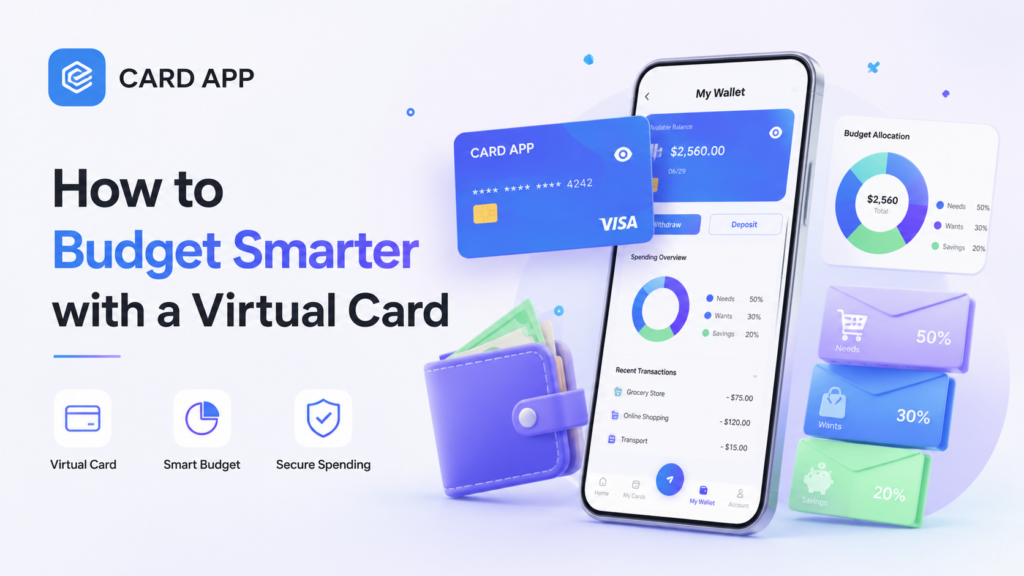
A virtual card budget works by assigning a specific amount to a card before spending. This gives you a natural spending boundary, even when your provider does not offer a manual daily or monthly limit feature.
You can use this method for:
- Subscriptions: allocate the exact amount needed for monthly plans.
- Online shopping: create a weekly spending card.
- Travel: dedicate one card to flights, hotels, and transport.
- Work tools: separate software subscriptions and business expenses.
- Personal spending: keep a controlled balance for non-essential purchases.
This approach is especially useful because it prevents one spending category from affecting the rest of your money. A dedicated controlled spending card can make your budget easier to understand at a glance.
How to Control Card Spending With Card App
Card App can support a smarter budgeting routine by helping you create virtual cards, manage your balance, and follow your transactions in real time. The platform states that users can create virtual cards, top up balances, track transactions, and manage their cards directly through the application.
Use the following steps to build your own spending boundary:
- Download the Card App application.
- Create your account and complete the available setup steps.
- Open My Wallet.
- Select Deposit to add funds.
- Choose the correct payment method or USDT network.
- Wait for your balance to appear in the wallet.
- Open My Cards.
- Select Add New Card.
- Enter the cardholder name and choose the amount.
- Review the fees, limits, and final available balance.
- Select Confirm Create Card.
- Track spending from your transaction history.
Instead of relying on one card for everything, create a virtual card with a fixed amount for one goal. This can be your practical monthly card spending limit for subscriptions, shopping, or personal expenses.
Card App also states that users can manage cards inside the app and stop or freeze a card if it is lost or no longer needed.
Read More: How to Buy a Virtual Visa Card Using USDT

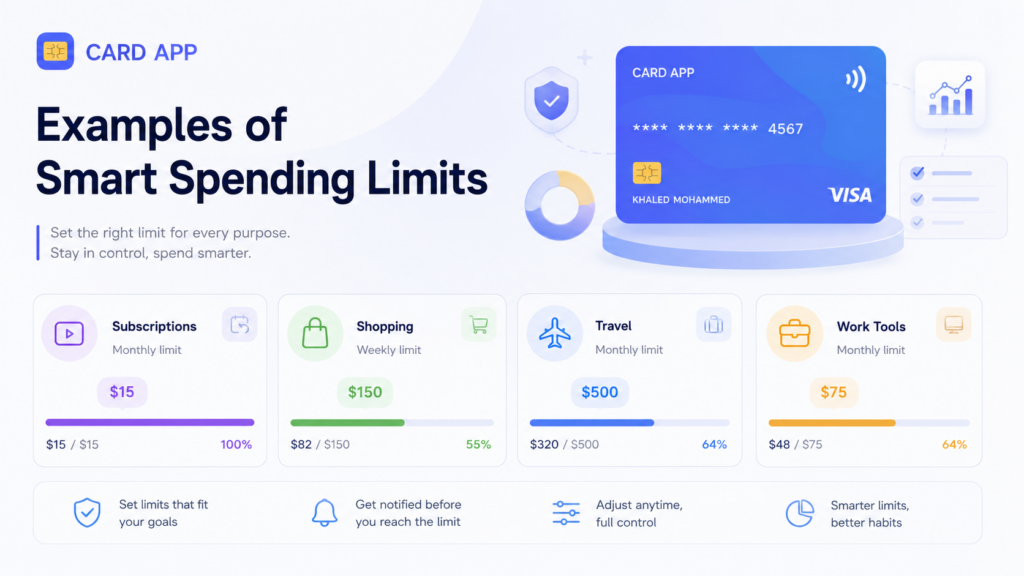
Examples of Smart Spending Limits
The easiest way to start is by giving each card one clear purpose.
Here are a few examples:
- Streaming subscriptions: $25 per month.
- Online shopping: $150 per month.
- Food delivery: $50 per week.
- Travel bookings: a fixed budget based on your trip.
- Business software: the monthly total for tools you use.
- Entertainment: a set amount for games, events, and digital purchases.
You do not need many cards at once. Start with one category that frequently exceeds your budget, then build a clearer system over time.
Mistakes to Avoid When Setting Card Limits
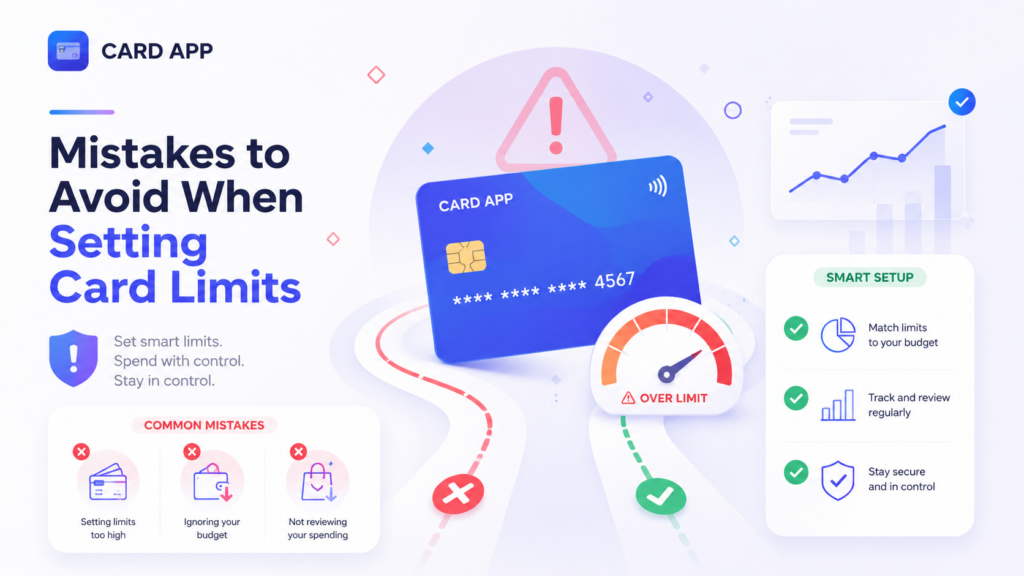
A spending limit only works when it is realistic. Setting it too low can create stress and force you to move money repeatedly. Setting it too high may not change your habits.
Avoid these common mistakes:
- Ignoring annual or quarterly subscriptions.
- Forgetting currency conversion and merchant fees.
- Using the same card for every spending category.
- Creating a limit without checking past spending.
- Leaving unused virtual cards active.
- Failing to review transactions regularly.
If you notice a transaction you do not recognize, freeze the card quickly and contact support through official channels. Card App states that card controls are available inside the application to help protect your balance and account data.
Read Also: Virtual Visa Card for ChatGPT, Netflix, and Online Subscriptions
Frequently Asked Questions of Card Spending Limits
Can I set a daily spending limit on every card?
It depends on your card provider. Some providers offer direct daily, weekly, or monthly limits. Others allow you to create a practical limit by assigning a fixed balance to a virtual card.
What is the best monthly card spending limit?
The best amount depends on your income, essential bills, savings goals, and recent spending habits. Begin with a realistic amount and adjust it after a few weeks.
Can a virtual card help prevent overspending?
Yes. A virtual card with a fixed balance can create a clear spending boundary and help separate one category from the rest of your budget.
Can I create more than one Card App card?
Card App states that users can create multiple cards and manage them inside the app, depending on the available service and account status.
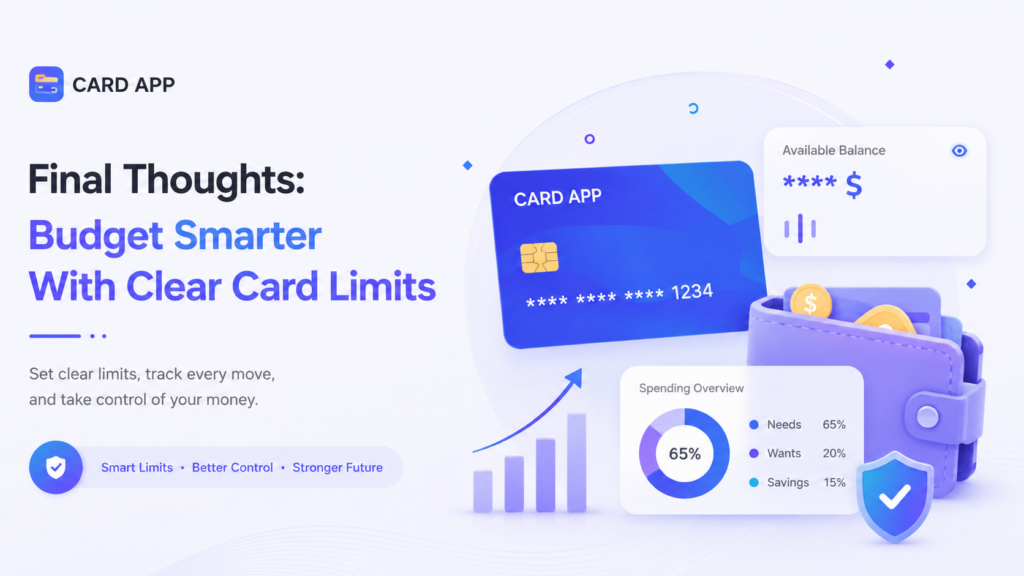
Final Thoughts: Budget Smarter With Clear Card Limits
Card spending limits help turn budgeting from an idea into a daily habit. Whether you use a direct provider limit or a fixed virtual-card balance, the purpose is the same: decide how much to spend before the money leaves your wallet.
Use Card App to create a virtual card for a specific budget, allocate only the amount you need, track every transaction, and manage your spending with more confidence.
Spending Limits

Readers also like:

App Features
One-Click Freeze: How to Instantly Block Your Card If Lost or Stolen
Losing a card can feel stressful, especially when you are unsure whether it was misplaced, left somewhere, or taken by someone else. In those moments, speed matters. One-Click Freeze gives…
App Features
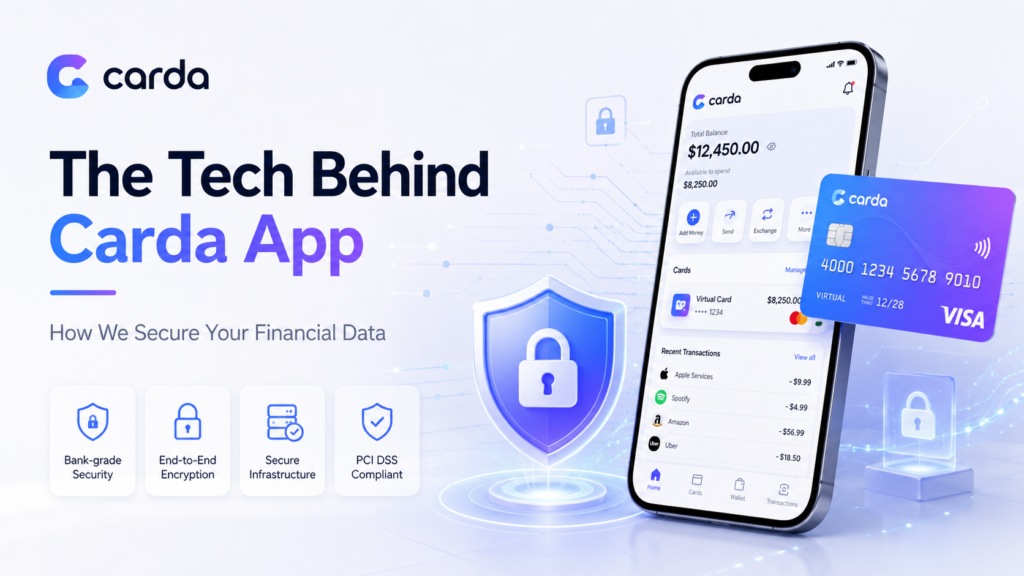
The Tech Behind Carda App: How We Secure Your Financial Data
When you use a digital wallet or a virtual card, you share sensitive information such as payment details, account access data, and transaction history. That is why secure financial data…
Virtual Card
How to Set Spending Limits on Your Cards to Budget Smarter
Overspending rarely starts with one major purchase. It usually comes from many small transactions: subscriptions, online shopping, food delivery, travel bookings, and app payments that slowly exceed your plan. That…
Virtual Card
Top 5 Benefits of Using a Virtual Card for International Business Travel
International business travel moves fast. A meeting can lead to a last-minute flight, an extra hotel night, airport transport, or an urgent software purchase. Using a virtual card for business…
Virtual Card
How to Buy a Virtual Visa Card Using USDT
A Virtual Visa Card can be a practical option for users who want to turn their USDT balance into a payment tool for websites, apps, subscriptions, and online services. Instead…
Virtual Card
Virtual Visa Card for ChatGPT, Netflix, and Online Subscriptions
A Virtual Visa Card is one of the easiest payment tools for users who want to pay for online subscriptions without using a physical card. It can be used for…

Virtual Card
Virtual Card: How to Create and Use It Online
The Card App virtual card is a digital payment card that helps users make online payments through websites and apps without waiting for a physical card. It is created directly…