Why Freelancers and Remote Workers Need Dedicated Virtual Cards
Last updated: 20 July، 2026

Related Articles:
Freelancers often run a business from the same phone they use for personal life. Client income, software subscriptions, online advertising, domain renewals, personal shopping, and travel costs can all pass through one payment method. Over time, that makes it harder to see where money is going.
That is why virtual cards for freelancers can be useful. A dedicated card gives one purpose to one budget. You can create a card for work tools, another for advertising, and another for personal purchases. This simple structure helps keep your freelance activity more organized without turning your finances into a complicated system.
A virtual card for freelancers is especially helpful when you work remotely, use international software, or pay for recurring online services. It gives you a clearer way to manage spending while keeping business decisions separate from everyday personal expenses.
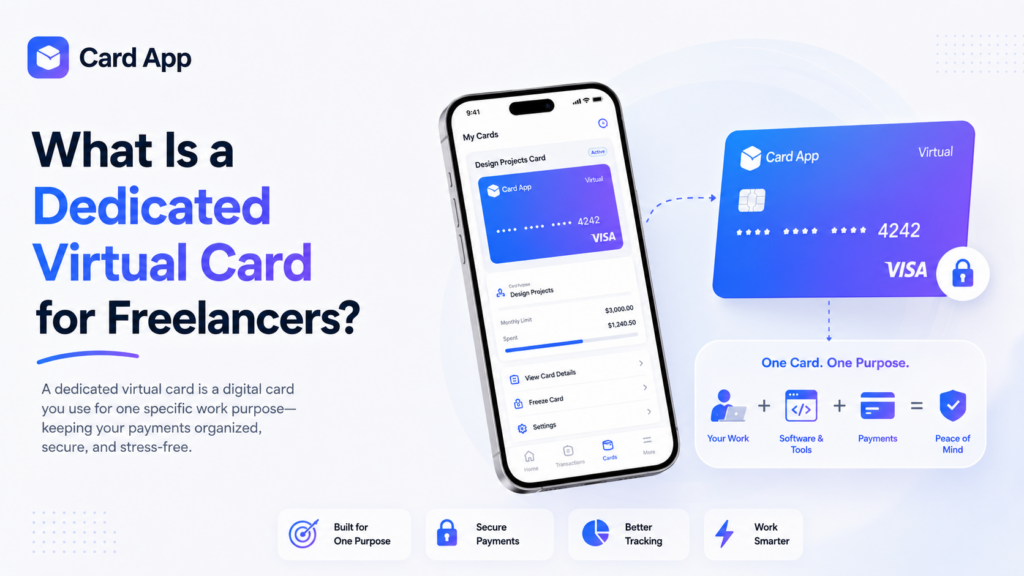
What Is a Dedicated Virtual Card for Freelancers?
A dedicated virtual card is a digital card created for one specific use. Instead of using one card for every payment, you assign a card to a category, client project, or business goal.
For example, a freelancer virtual card can be used only for design tools, while another virtual business card can be used for online ads. This makes each transaction easier to understand later.
A digital card for freelancers can support eligible online payments, subscriptions, and services. Card App states that users can create virtual cards quickly, top up balances, manage cards, and track transactions from inside the app.
Keep Personal and Business Spending Separate with virtual cards for freelancers
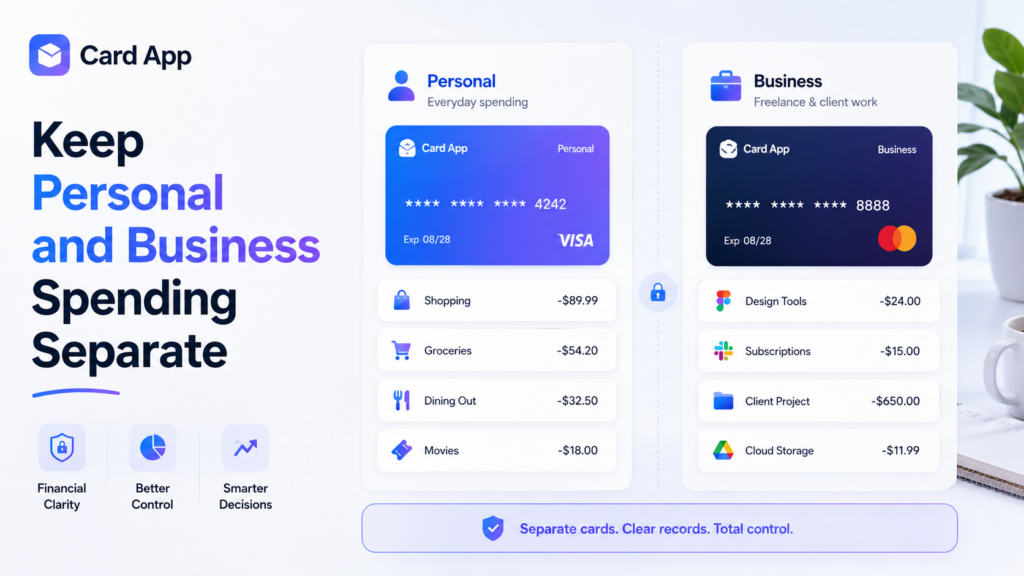
Mixing personal and professional purchases creates confusion. When the same card pays for groceries, entertainment, software, client costs, and business ads, it becomes difficult to know what your work truly costs.
Using separate cards helps you create separate personal and business spending without changing your entire financial routine. You can keep one card for personal use and assign another to business tools or project expenses.
This approach supports better freelance expense management because you can review your work-related transactions in one place. It also makes it easier to estimate monthly costs, prepare invoices, and understand which tools or campaigns are worth keeping.
A simple setup may include:
- A card for personal online shopping
- A card for business subscriptions
- A card for client project expenses
- A card for advertising and promotion
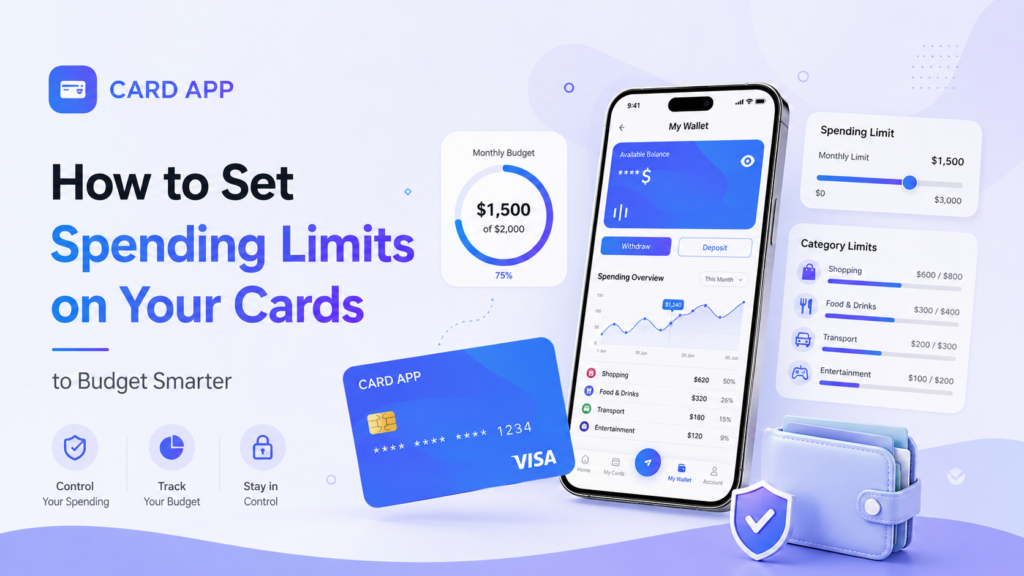
Read More: How to Set Spending Limits on Your Cards to Budget Smarter
Pay for Tools, Software, and Online Subscriptions
Freelancers rely on digital tools every day. These may include design software, cloud storage, website hosting, email platforms, AI tools, project-management apps, and video-editing services.
A virtual card for online tools helps you assign a fixed budget to these expenses. Instead of allowing every subscription to charge your main card, you can create one card with the amount you want to allocate each month.
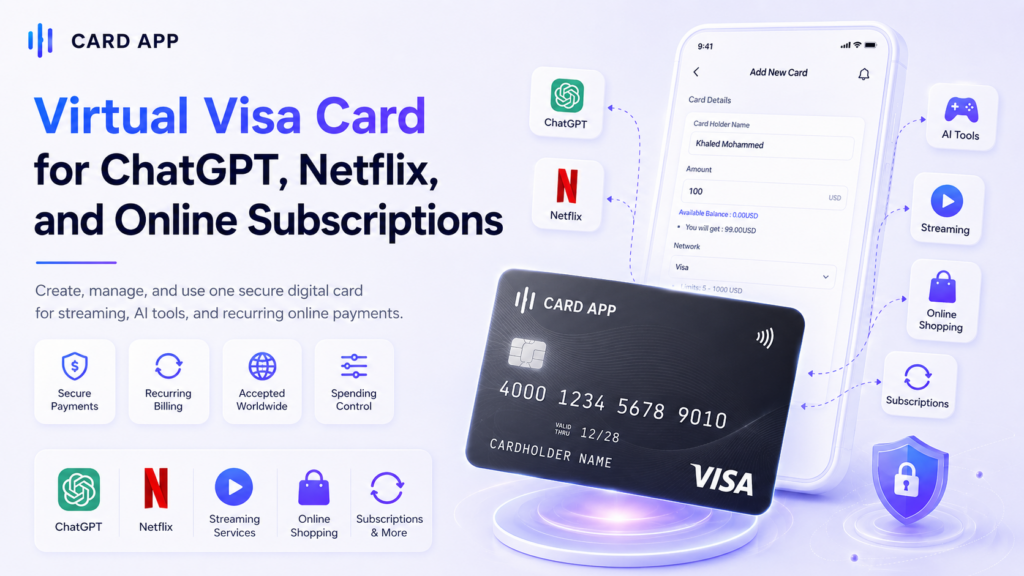
This makes a virtual card for subscriptions useful for recurring payments. It can also help you notice when a trial converts into a paid plan or when a tool is no longer needed.
Typical uses include:
- Design and editing platforms
- Cloud storage and file-sharing services
- Website hosting and domain renewals
- Project-management tools
- AI and productivity subscriptions
A virtual card for SaaS subscriptions gives you a clearer view of the software costs that support your freelance work.

Manage Advertising and Client Project Budgets
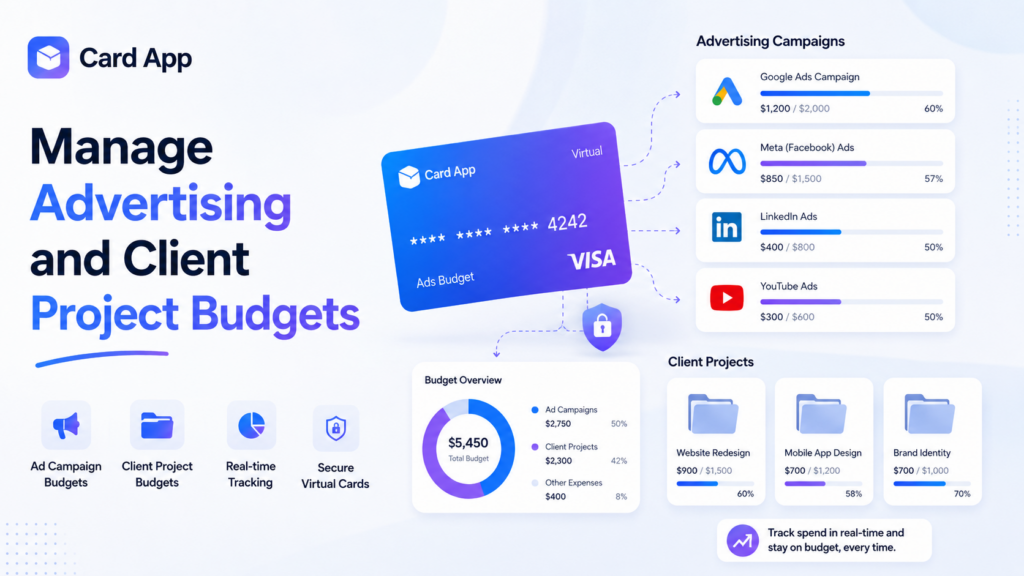
Many freelancers invest in advertising to find new clients or promote their services. Others manage paid campaigns for clients. In both cases, it is easy to lose track of spending when ad costs are mixed with personal purchases.
A virtual card for advertising can be assigned to one campaign, one client, or one monthly promotion budget. You load only the amount you plan to use, then track the activity separately.
This setup is also useful as a virtual card for digital ads. You may create one card for social-media ads, another for search advertising, and a third for testing a new platform.
A practical structure could be:
- Marketing card: for your own freelance promotion
- Client campaign card: for one client’s approved ad budget
- Tools card: for software, templates, and creative assets
- Testing card: for new platforms or short trials
This helps control business expenses for freelancers while making every campaign easier to review.
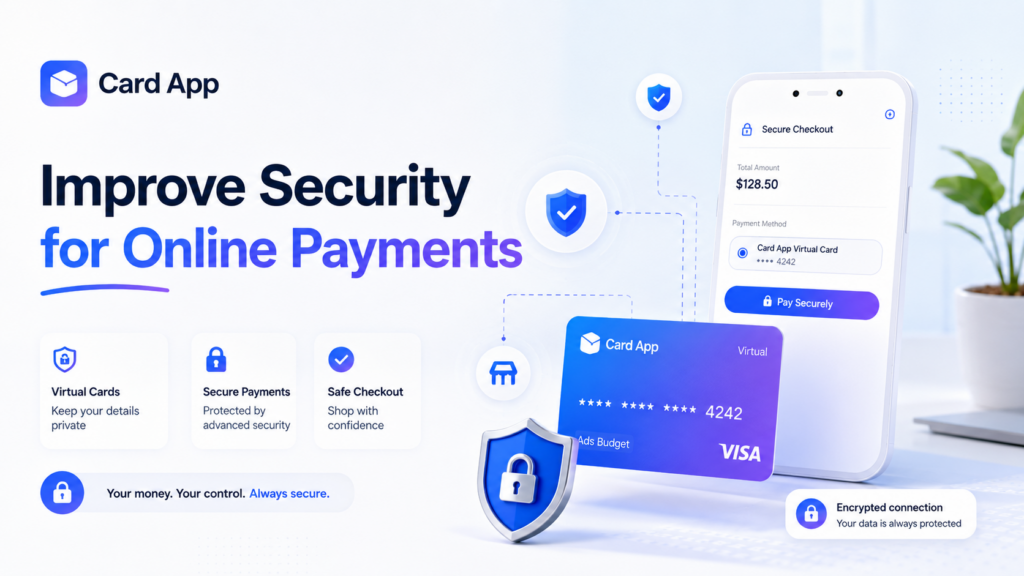
Improve Security for Online Payments
Freelancers frequently pay new vendors, test unfamiliar tools, and enter payment details across multiple websites. A dedicated card can reduce the need to expose your main payment method everywhere.
A remote worker payment card gives you another layer of organization. You can use it for a limited purpose, monitor its transactions, and stop using it when the service is no longer relevant.
Good habits include:
- Use official websites and trusted payment pages.
- Review recurring charges every month.
- Keep your main payment method separate from free trials.
- Avoid sharing card details in messages or screenshots.
- Freeze an unused card if you no longer need it.
Card App says users can stop or freeze cards directly inside the app, helping protect their balance and account data when a card is no longer required.
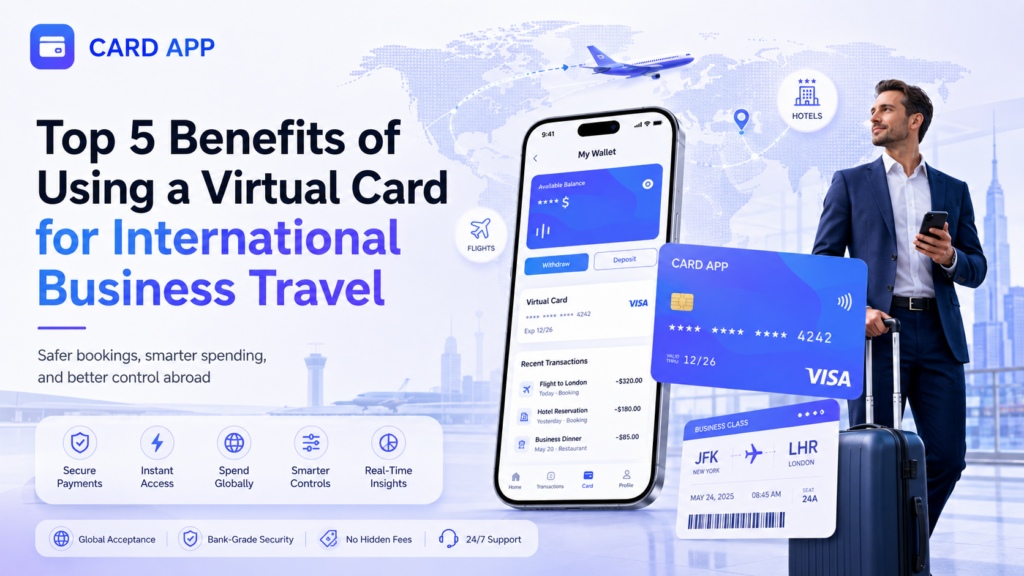
Read Also: Top 5 Benefits of Using a Virtual Card for International Business Travel
Keep Client Income and Work Spending More Organized
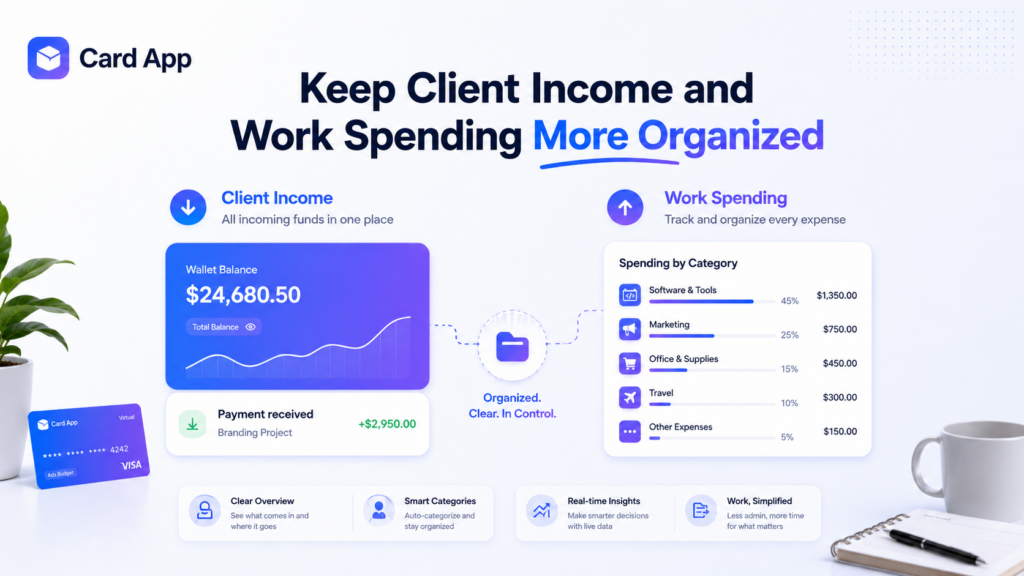
A virtual card does not replace an invoice, bank account, or client-payment method. Its role is different: it helps you organize what happens after your available funds are in your wallet or account balance.
This is where freelancer payment management becomes easier. You can reserve part of your available balance for work tools, ads, project expenses, tax planning, or savings instead of treating all money as one pool.
A useful routine is to:
- Record client income when it arrives.
- Set aside money for taxes or savings.
- Allocate a clear amount for business spending.
- Create a dedicated virtual card for that category.
- Review the card at the end of each month.
This process helps you avoid using money meant for personal needs on work expenses, or using business income without knowing where it went.
How to Create a Dedicated Virtual Card With Card App
Card App offers a simple route for creating a card once your balance is available. The platform says users can deposit funds, create virtual cards, manage multiple cards, and monitor transactions from one app.
Follow these steps:
- Download the Card App application.
- Create your account and complete the available setup steps.
- Open My Wallet.
- Add funds using the supported payment options available to you.
- Confirm that your balance is available.
- Open My Cards.
- Select Add New Card.
- Enter the cardholder name.
- Choose the amount for that card’s purpose.
- Review fees, limits, and the final available amount.
- Select Confirm Create Card.
- Use the card for eligible online work payments.
You can repeat this process for different needs, such as software, advertising, or project costs. Card App states that users can create multiple cards and manage them from inside the application.

Common Mistakes to Avoid
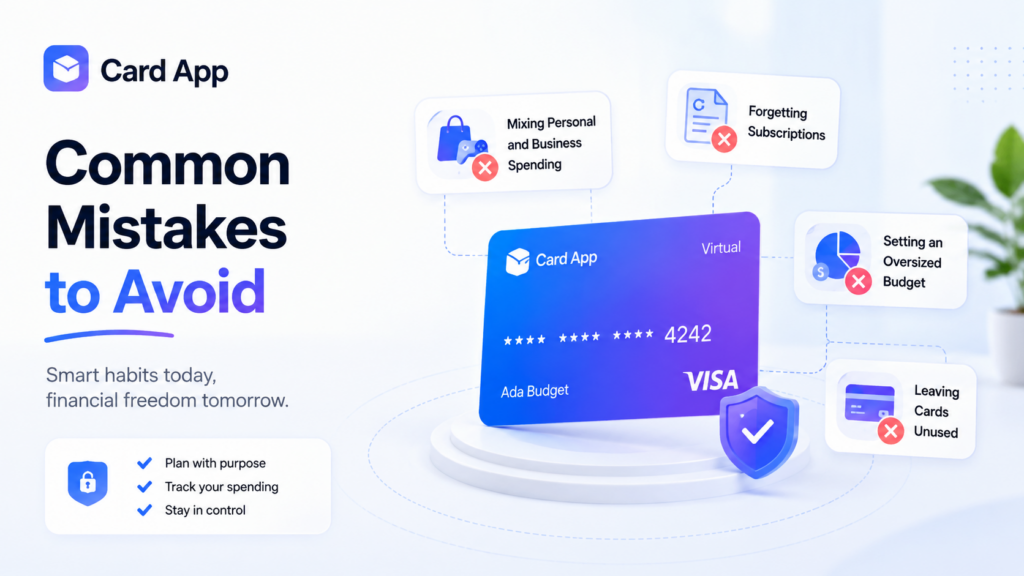
Dedicated cards work best when every card has a clear purpose. Avoid creating cards without a budget or using one work card for unrelated purchases.
Common mistakes include:
- Paying personal and business expenses from the same card.
- Forgetting recurring renewals.
- Loading more than a project actually needs.
- Using a client-budget card for personal purchases.
- Ignoring transaction history until the end of the year.
- Leaving unused subscriptions active.
Review your cards regularly. A small monthly check can help you remove unnecessary subscriptions, adjust budgets, and keep your freelance business more efficient.
Frequently Asked Questions About virtual cards for freelancers

1. Why should freelancers use separate virtual cards?
Separate cards help organize work expenses, track subscriptions, control ad budgets, and keep personal spending distinct from freelance costs.
Can I use a virtual card for software subscriptions?
Yes, when the merchant accepts the card type and the card has enough available balance.
Can I create more than one virtual card?
Card App states that users can create and manage multiple cards in the app, subject to available services and account conditions.
4. Can a virtual card help manage advertising costs?
Yes. A dedicated card can hold a fixed amount for a campaign, client project, or advertising platform.
Final Thoughts: Build a Cleaner Freelance Payment System
Virtual cards for freelancers are more than a payment method. They can become a simple system for separating work from personal life, controlling recurring costs, organizing project budgets, and reviewing online expenses with more confidence.
Create your Card App account, add your balance, and issue a dedicated card for the tools, ads, subscriptions, and project expenses that keep your freelance business moving.