Related Articles:
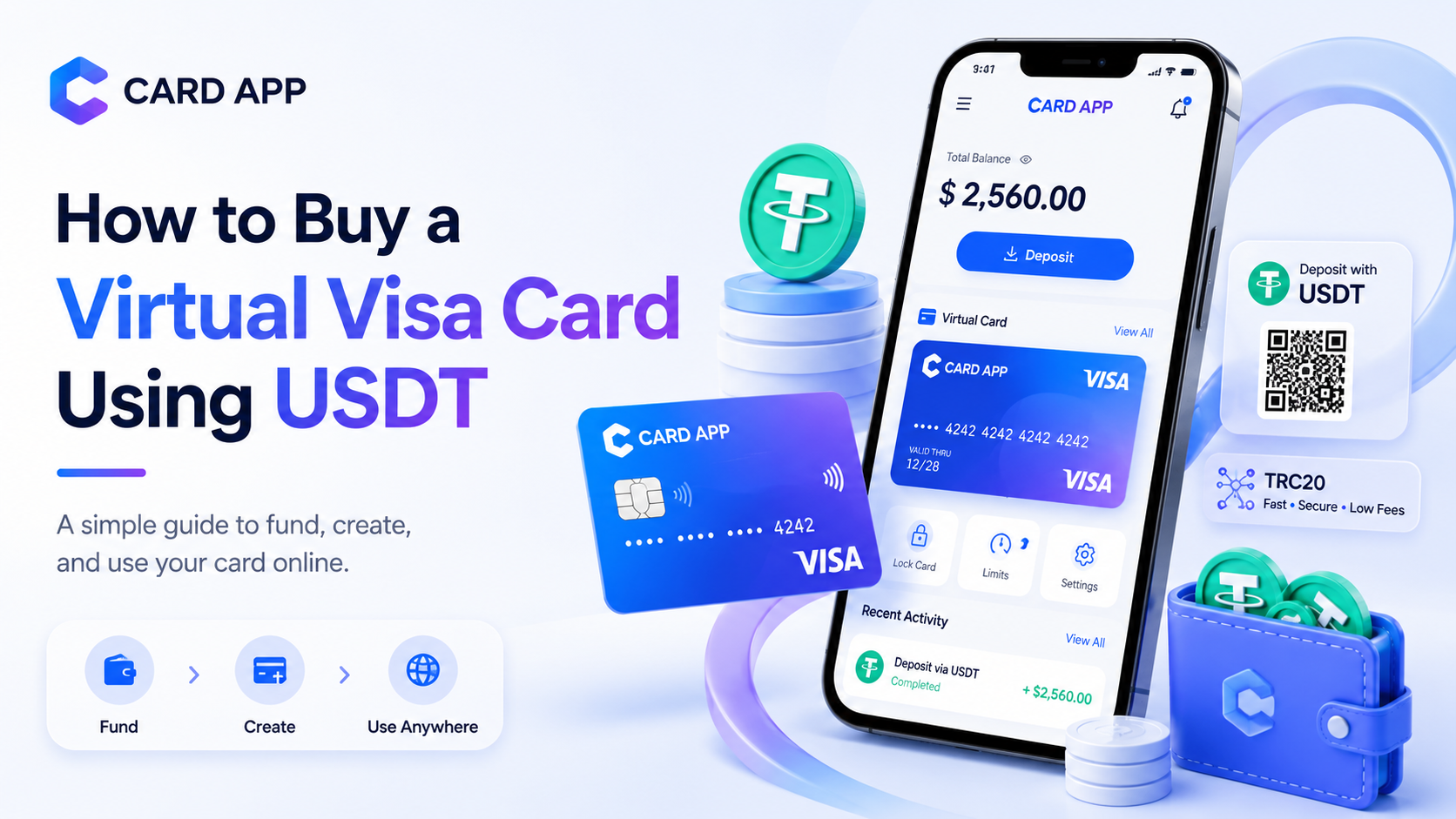
A Virtual Visa Card can be a practical option for users who want to turn their USDT balance into a payment tool for websites, apps, subscriptions, and online services. Instead of relying only on a traditional bank card, users can create a digital card, fund it through supported methods, and use it on checkout pages where Visa cards are accepted.
Many users search for how to buy a Virtual Visa Card with USDT because they already use stablecoins for transfers, savings, or digital payments. USDT is widely used because its value is linked to the US dollar, which makes it easier to understand card amounts, fees, and online spending.
This guide explains how a USDT Virtual Visa Card works, how to buy or create one, what fees and limits to check, how Card App can help with this process, and what to know before using the card for online payments.
What Is a Virtual Visa Card?
A Virtual Visa Card is a digital payment card that works through the Visa network. It is not a physical plastic card. Instead, users receive digital card details such as a card number, expiry date, and CVV, then use those details on supported websites and apps.
This type of card is mainly designed for online payments. It can be useful for users who want a fast online payment card for shopping, subscriptions, software tools, streaming services, and digital platforms.
1. How a Virtual Visa Card Works
A Virtual Visa Card works in a similar way to a regular payment card during online checkout. The user enters the card details on a website or app, and the payment is processed through the card network if the merchant accepts it.
The card usually includes:
- Card number
- Expiry date
- CVV
- Available balance
- Supported currency
- Usage limits
Before using the card, users should make sure it has enough balance and that it supports the type of payment they need. Some cards work for one-time purchases, while others may support subscriptions and recurring payments.
2. Why Users Buy a Virtual Visa Card with USDT
Users may want to buy a Virtual Visa Card using USDT because it helps connect crypto balance with everyday online payments. Instead of converting USDT through many steps, a user can fund a card and use it on supported checkout pages.
This can be useful for people who want to pay online but do not want to use their main bank card. It may also help users who prefer managing digital money from one app or wallet.
Common reasons include:
- Using USDT for practical online payments.
- Creating a digital Visa card quickly.
- Paying for subscriptions and apps.
- Separating online spending from main funds.
- Managing card balance more clearly.
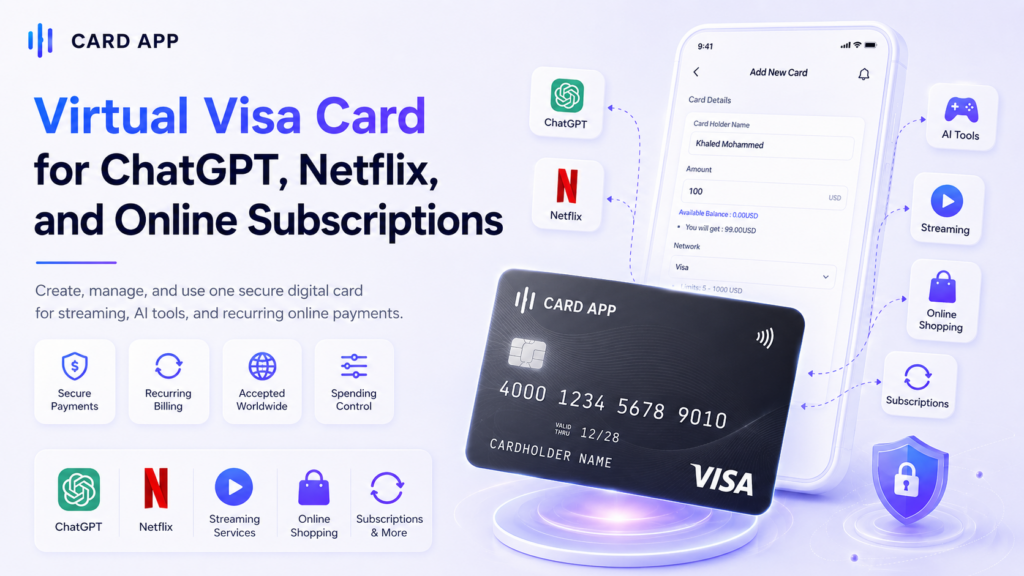
Read More: Virtual Visa Card for ChatGPT, Netflix, and Online Subscriptions

How Does Buying a Virtual Visa Card with USDT Work?
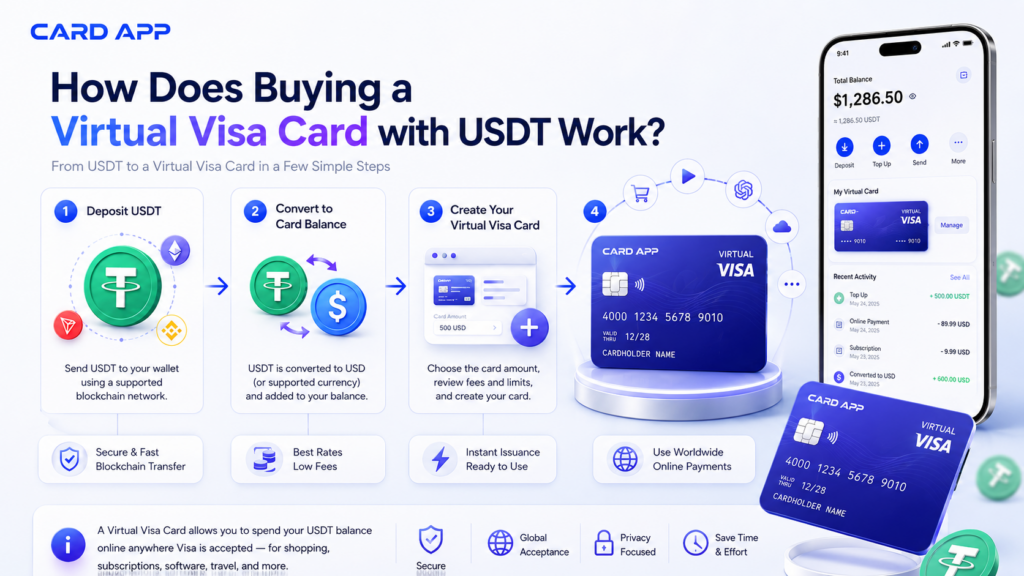
Buying a Virtual Visa Card with USDT usually means that the user deposits USDT into a supported platform or app, then uses that balance to create or fund a card. The platform may convert the USDT value into USD or another supported card currency.
The exact process can vary from one provider to another. Some platforms allow direct card funding with USDT, while others require a wallet balance first. Because of this, users should always check the instructions shown inside the app before sending any funds.
1. How to Deposit USDT Before Creating Your Virtual Visa Card
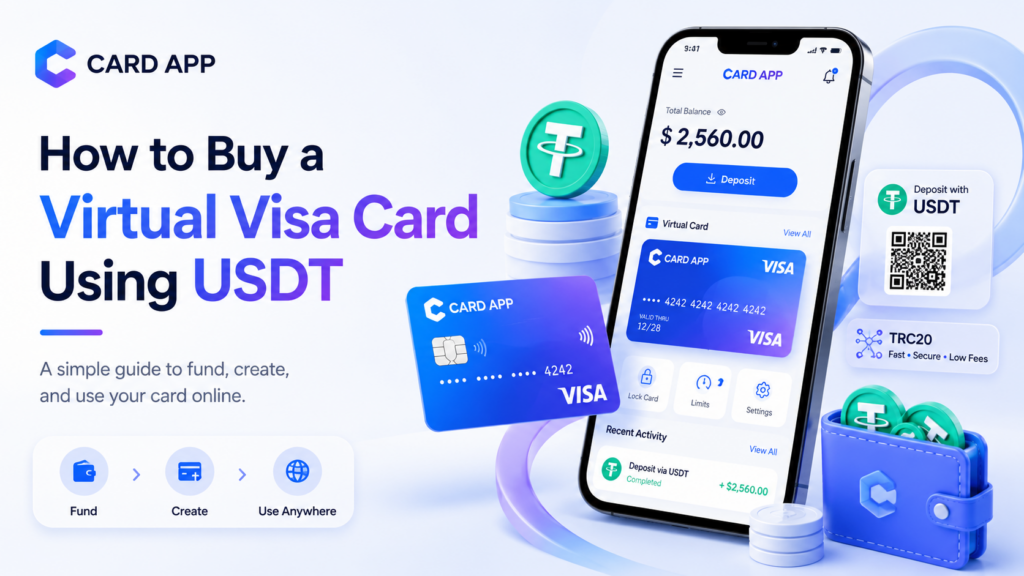
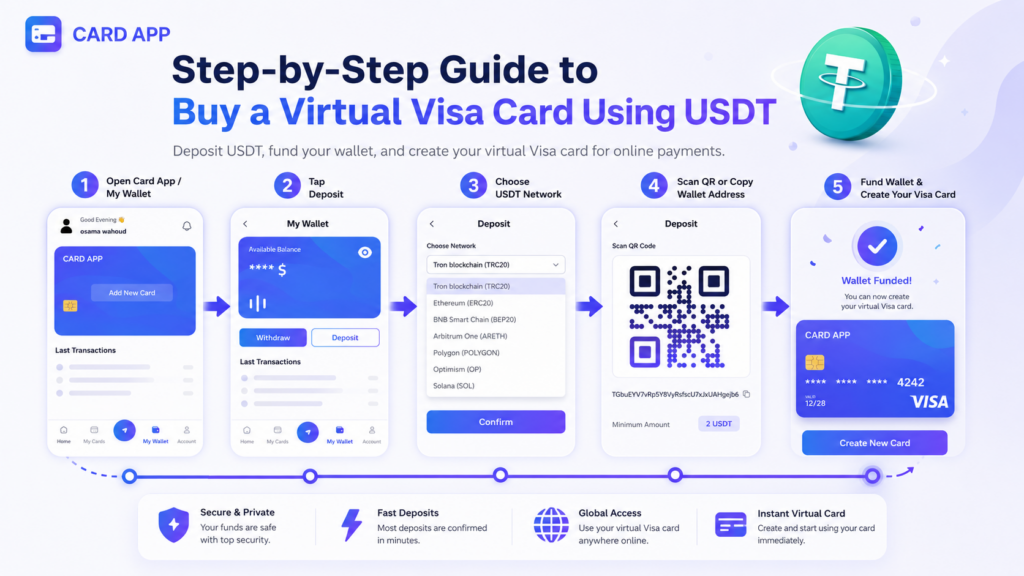
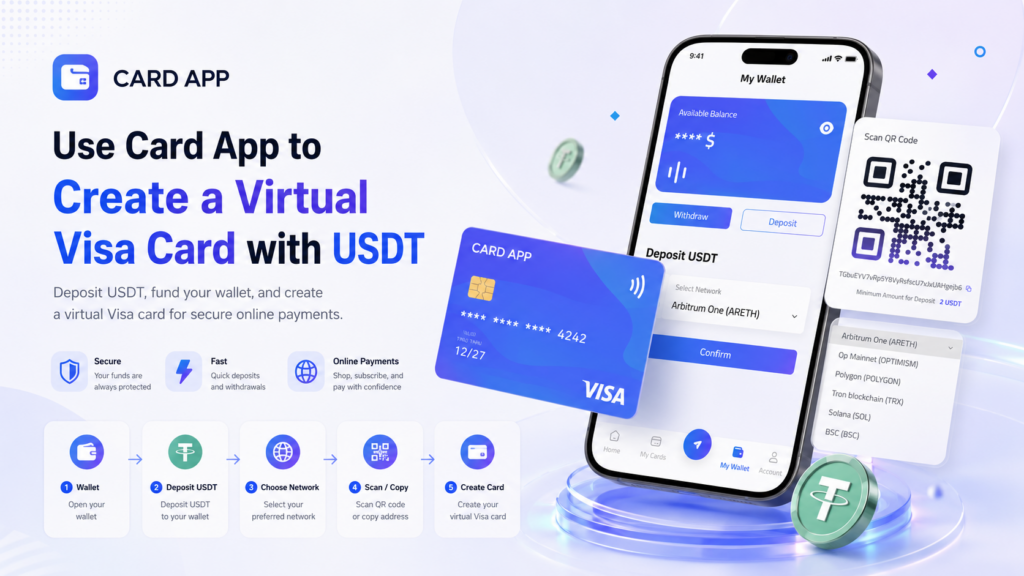
Before creating a Virtual Visa Card, users may need to add balance to their wallet first. In Card App, the USDT deposit process starts from the My Wallet section, where users can view their available balance and choose between Withdraw and Deposit.
To begin, open the app and go to My Wallet from the bottom navigation menu. Then tap Deposit. The app will open a deposit page where you can choose the network you want to use for sending USDT.
The available networks may include:
- Arbitrum One (ARETH)
- OP Mainnet (OPTIMISM)
- Polygon (POLYGON)
- Tron blockchain (TRX)
- Solana (SOL)
- BSC (BSC)
This step is very important because the selected network must match the network you will use from your external wallet or exchange. For example, if you choose Tron blockchain (TRX) inside Card App, you must also send USDT from the Tron network. Sending USDT from another network to the same address may result in the loss of the deposit.
After choosing the correct network, the app will show a QR code and a wallet address. You can either scan the QR code from your crypto wallet or copy the wallet address manually. The screen also shows the minimum deposit amount, which is 2 USDT.
Follow these steps carefully:
- Go to My Wallet inside Card App.
- Tap Deposit.
- Choose the correct USDT network.
- Scan the QR code or copy the wallet address.
- Send at least the minimum amount shown in the app.
- Wait for blockchain confirmation.
- Check your wallet balance after the deposit is completed.
Card App notes that the deposit process may take from 1 minute to 10 minutes, depending on network pressure. The deposit is processed automatically after network confirmation, and the wallet balance should increase once the transaction is confirmed.
Before sending USDT, always review:
- The selected network
- The wallet address
- The minimum deposit amount
- Network fees from your external wallet
- The expected confirmation time
This step helps users avoid failed deposits and makes the process safer before creating a Virtual Visa Card. Once the USDT deposit appears in the wallet balance, the user can move to the card section, choose the card amount, review the fees and limits, and confirm the card creation request.
2. Convert USDT into Card Balance
After the USDT deposit arrives, the platform may convert the balance into the currency used by the card. In many cases, this is USD, but the actual supported currency depends on the provider.
Users should review the conversion rate and any top-up fees before creating the card. If a user sends 100 USDT, the final card balance may be lower after network fees, conversion fees, or card creation fees.
Important details to review include:
- Conversion rate
- Top-up fee
- Card creation fee
- Final card balance
- Minimum and maximum card amount
This step helps users avoid confusion and understand the real value they will receive on the card.

Step-by-Step Guide to Buy a Virtual Visa Card Using USDT
Buying a Virtual Visa Card using USDT should be done carefully. The process is simple when the platform is clear, but users should still check fees, limits, network support, and merchant acceptance before relying on the card.
1. Choose a Trusted Virtual Card Provider
The first step is choosing a reliable platform or app that supports virtual card creation and USDT-related funding features. Users should avoid unknown platforms that do not show clear fees, terms, or support options.
A trusted provider should offer:
- Clear card fees
- Visible card limits
- Supported USDT networks
- Customer support
- Security features
- Transparent card creation process
Because crypto transactions are usually difficult to reverse, users should be careful before sending USDT to any provider.
2. Create Your Account and Complete Verification
Most virtual card platforms require users to create an account. Some may also require identity verification, especially for higher limits, card creation, or financial compliance.
The process may include:
- Registering with email or phone number.
- Creating a strong password.
- Confirming account access.
- Completing identity verification if required.
- Checking whether the service is available in your region.
Verification may feel like an extra step, but it is common in financial services. It can also help protect the account and unlock more features.
3. Deposit USDT and Create the Card
After the account is ready, the user can deposit USDT using the supported network. Once the balance appears, they can move to the card section and create the Virtual Visa Card.
A simple process may look like this:
- Open the app or platform.
- Choose the USDT deposit option.
- Select the correct network.
- Send USDT to the provided address.
- Wait for confirmation.
- Go to the card section.
- Choose Create New Card.
- Select the amount and review fees.
- Confirm card creation.
After the card is created, the user can use the card number, expiry date, and CVV on supported online checkout pages.
Use Card App to Create a Virtual Visa Card with USDT
Card App can be useful for users who want a simple digital finance tool for virtual cards, online payments, balance management, and USDT-related features. The app is designed around creating virtual cards, managing funds, tracking transactions, and using digital payment tools from one place.
For someone searching for a crypto virtual card or a virtual card with USDT, Card App can fit the user journey by helping them move from digital balance management to card creation and online payment use.
1. Why Card App Is Relevant for This Topic
Users who want to buy a Virtual Visa Card using USDT usually need three things: a way to manage balance, a way to create a card, and a way to use that card online. Card App brings these actions into one app-based experience.
The app can help users:
- Create a virtual card
- Manage card or wallet balance
- Track transactions
- Use supported deposit and withdrawal features
- Control online spending more clearly
This makes it suitable for users who want a direct way to manage digital payments without depending only on a physical card.
2. How to Use Card App for This Purpose
The exact steps may vary depending on the user’s account, region, and available app features. However, the general process is simple.
Users can follow this flow:
- Download and open Card App.
- Create an account or log in.
- Add balance using supported methods.
- Use USDT deposit options if available.
- Open the card section.
- Choose to create a Virtual Visa Card.
- Review the amount, fees, limits, and network.
- Confirm card creation.
- Use the card on supported websites and apps.
Before confirming, users should always review the final amount, fees, and available balance.
What Can You Use a USDT Virtual Visa Card For?
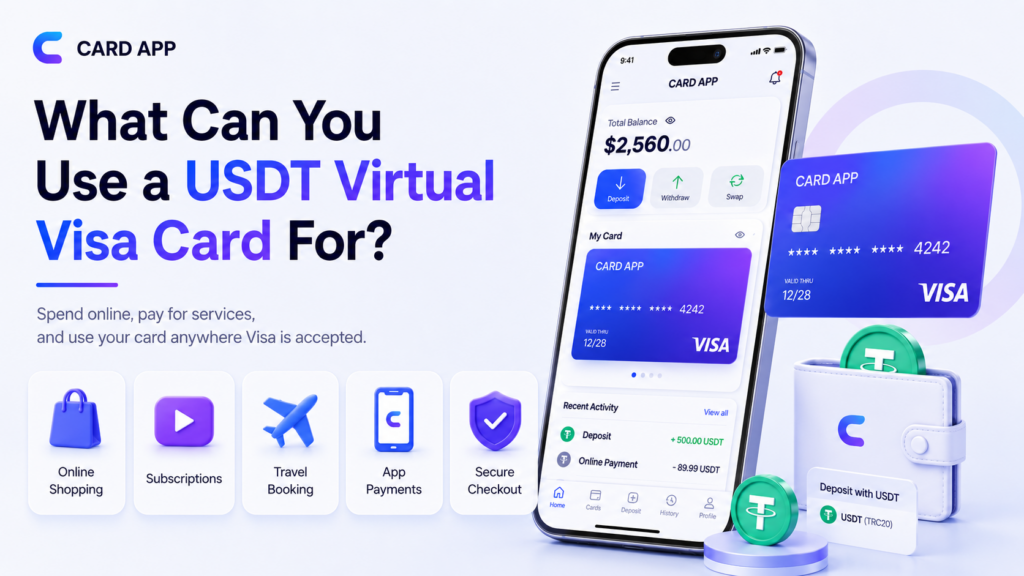
A USDT Virtual Visa Card can be useful for many online payment needs when the card is accepted. It is mainly designed for digital checkout pages, which makes it suitable for users who pay online often.
1. Online Shopping and Digital Services
Users may use a Virtual Visa Card for supported online stores, apps, and digital platforms. This can make payments easier, especially for users who prefer not to enter their main bank card details everywhere.
Common use cases include:
- Online shopping
- App payments
- Streaming subscriptions
- AI tools
- Software platforms
- Cloud services
- Online learning platforms
The card should have enough balance before payment. Users should also check whether the merchant accepts virtual or prepaid cards.
2. Subscriptions and Recurring Payments
A prepaid Virtual Visa Card may be useful for subscriptions if it supports recurring payments. This is important because many services renew monthly or yearly.
Before using it for subscriptions, check:
- Does the card support recurring billing?
- Is the balance enough for renewal?
- Does the merchant accept virtual cards?
- Is the billing information correct?
- Will the card remain active until the next renewal?
A reusable card is usually better for subscriptions than a single-use card.
Fees and Limits to Check Before Buying a Virtual Visa Card
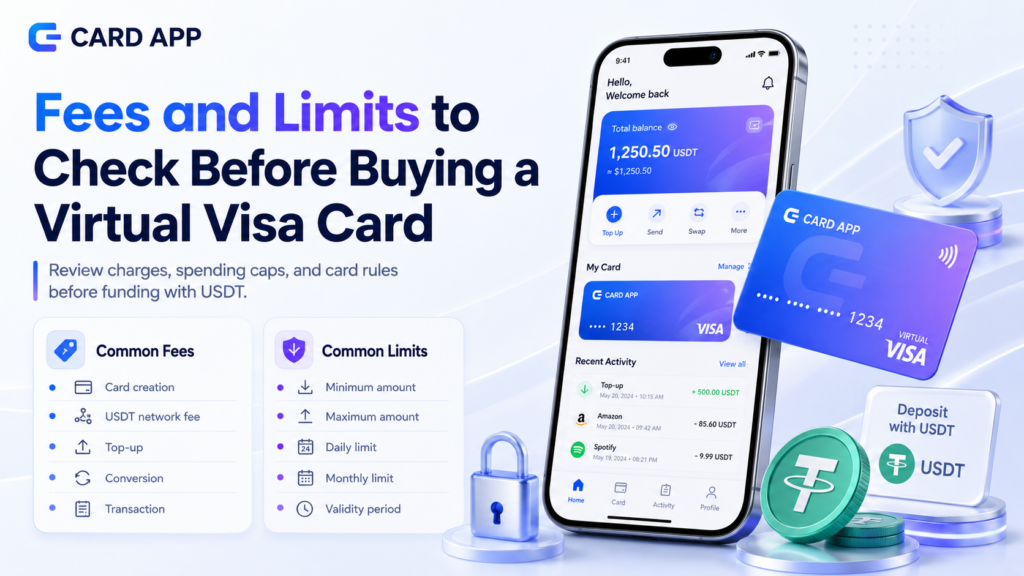
Before buying a Virtual Visa Card with USDT, users should understand the fees and limits. These details affect the final balance and the way the card can be used.
1. Common Fees
Fees can vary by provider. Some fees are shown before card creation, while others may apply during top-up, conversion, or payment.
Common fees may include:
- Card creation fee
- USDT network fee
- Top-up fee
- Conversion fee
- Transaction fee
- Maintenance fee
- Refund fee
If the user sends 100 USDT, the card may not receive exactly 100 USD after all costs. This is why reviewing the final card balance is important.
2. Common Limits
A card may also have minimum and maximum limits. These limits can affect whether the card is suitable for small purchases, large payments, or subscriptions.
Users should review:
- Minimum card amount.
- Maximum card amount.
- Daily spending limit.
- Monthly spending limit.
- Card validity period.
- Merchant category restrictions.
These details help users avoid failed payments and choose the right card amount.
Safety Tips Before Buying a Virtual Visa Card with USDT
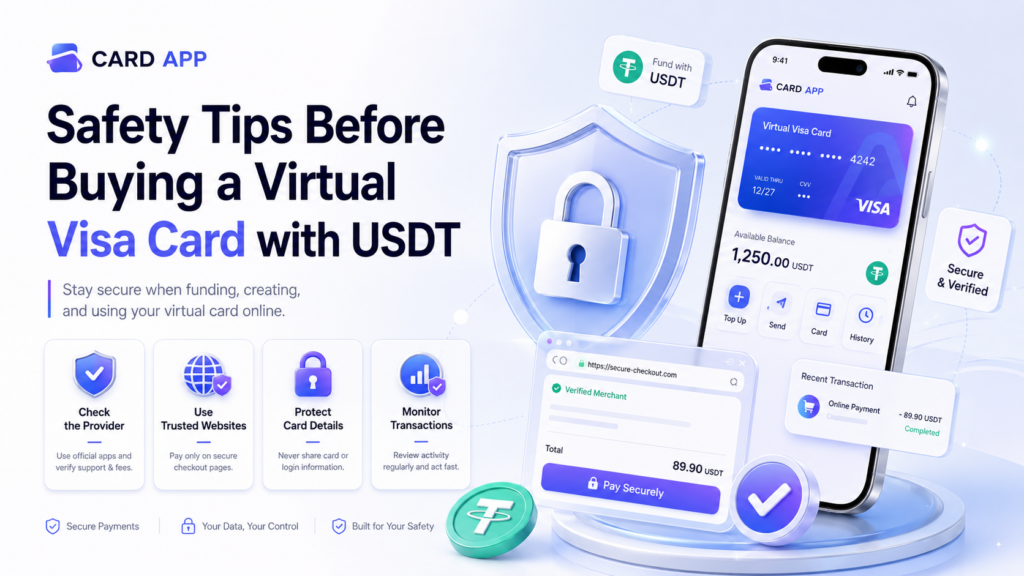
Buying a Virtual Visa Card with USDT can be useful, but users should follow safety steps before sending funds or using card details online.
1. Check the Provider Before Sending USDT
Crypto transfers are usually difficult to reverse. For this reason, users should check the platform carefully before depositing USDT.
Look for:
- Official website or app
- Clear support channels
- Visible terms and fees
- Security information
- Transparent card rules
Avoid suspicious links, unknown sellers, or unofficial social media accounts that ask for direct crypto transfers.
2. Use the Card on Trusted Websites Only
A Virtual Visa Card should only be used on trusted websites and apps. Users should check the URL, payment page, and merchant name before entering card details.
Safe habits include:
- Use secure checkout pages.
- Avoid unknown links.
- Do not share card details in chats.
- Keep login details private.
- Monitor transactions regularly.
If a payment looks unusual, users should check their transaction history and contact support.
FAQ About Buying a Virtual Visa Card Using USDT
1. Can I buy a Virtual Visa Card with USDT?
Yes, some platforms allow users to buy or fund a Virtual Visa Card using USDT. Availability depends on the provider, region, and supported USDT network.
2. Can I use a USDT Virtual Visa Card for subscriptions?
Yes, if the card supports recurring payments and the platform accepts virtual or prepaid Visa cards.
3. Is a Virtual Visa Card the same as a crypto card?
Not always. A Virtual Visa Card may be funded with crypto, while a crypto card may connect directly to a crypto wallet or convert crypto at checkout.
4. Why did my Virtual Visa Card payment fail?
It may fail because of low balance, wrong billing details, merchant restrictions, unsupported card type, or recurring payment limitations.
Conclusion: Is Buying a Virtual Visa Card with USDT Worth It?
Buying a Virtual Visa Card with USDT can be useful for users who want to turn stablecoin balance into a practical payment method for online services. It can help with shopping, subscriptions, software tools, app payments, and other digital purchases when the merchant accepts the card.
The most important step is to choose a trusted provider, use the correct USDT network, review fees and limits, and make sure the card supports the payment type you need. For subscriptions, a reusable card with recurring payment support is usually the better choice.
Card App can be a helpful option for users who want virtual card creation, balance management, transaction tracking, and USDT-related features in one app. Before using any card, always check the details shown inside the app and use the card only on trusted websites and apps.