
One-Click Freeze: How to Instantly Block Your Card If Lost or Stolen
Last updated: 8 July، 2026
Related Articles:
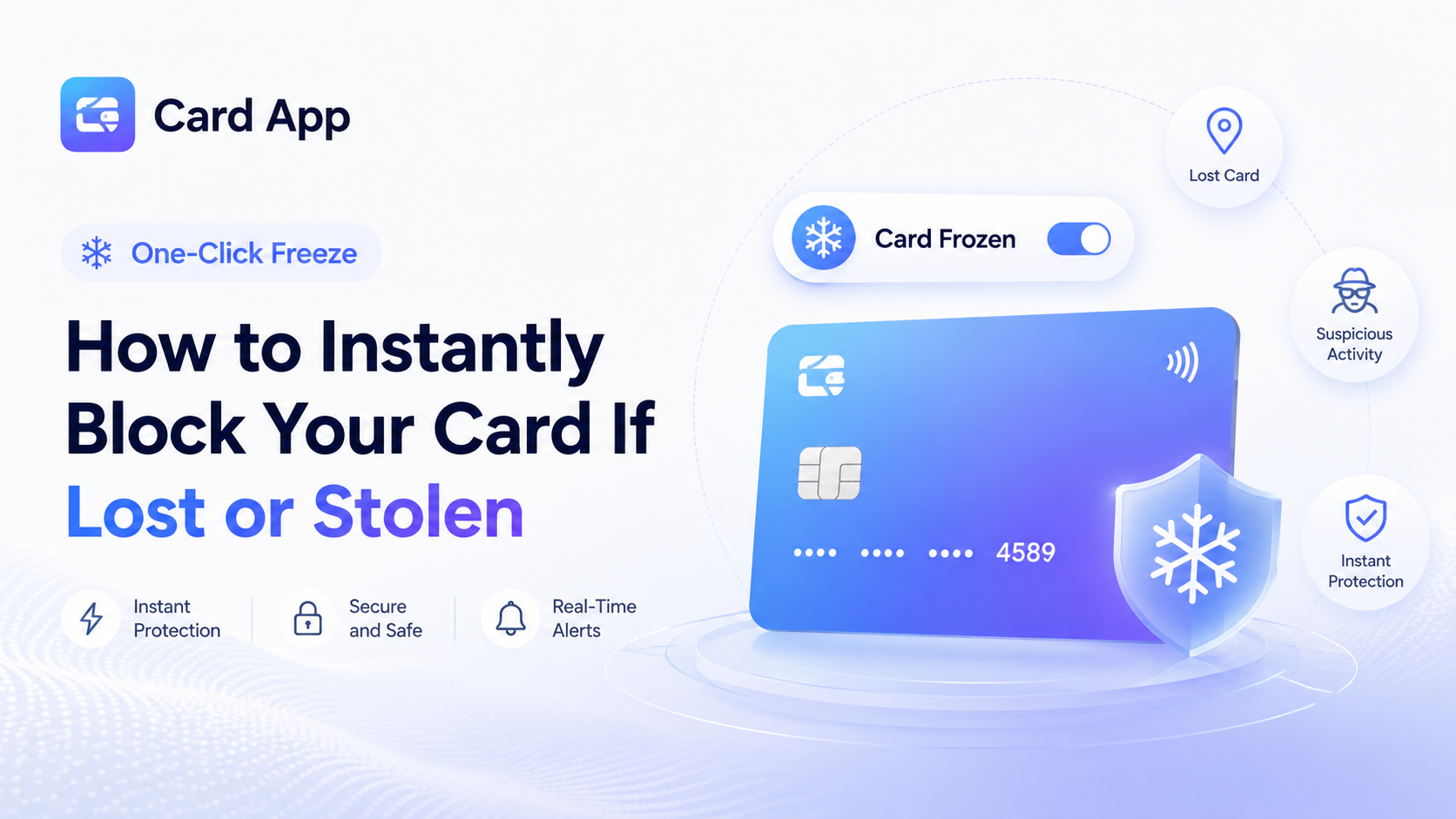
Losing a card can feel stressful, especially when you are unsure whether it was misplaced, left somewhere, or taken by someone else. In those moments, speed matters. One-Click Freeze gives you a practical way to react immediately by stopping your card directly from the app.
Instead of waiting to call support or searching for a physical branch, you can use the card freeze feature from your phone. This helps protect your balance, reduce further card exposure, and give you time to review what happened.
Carda App states that users can stop or freeze cards directly inside the app to help protect their balance and account data.
What Is One-Click Freeze?
One-Click Freeze is a card security control that allows you to temporarily stop card activity through the app. It can be useful for both a virtual card and a physical or contactless card when the relevant control is available.
The idea is simple: when something feels wrong, you do not need to wait. You can use an emergency card lock to restrict further use while you check recent transactions and decide what to do next.
This feature can help you:
- Freeze card instantly from your phone
- Stop card use after losing a wallet
- Protect a card after suspicious activity
- Manage a virtual card after a one-time purchase
- Reduce the risk of further unwanted payments
- Review your account before taking additional action
A freeze is different from permanently closing a card. It is usually an immediate security step that gives you more time and control.

When Should You Freeze Your Card?
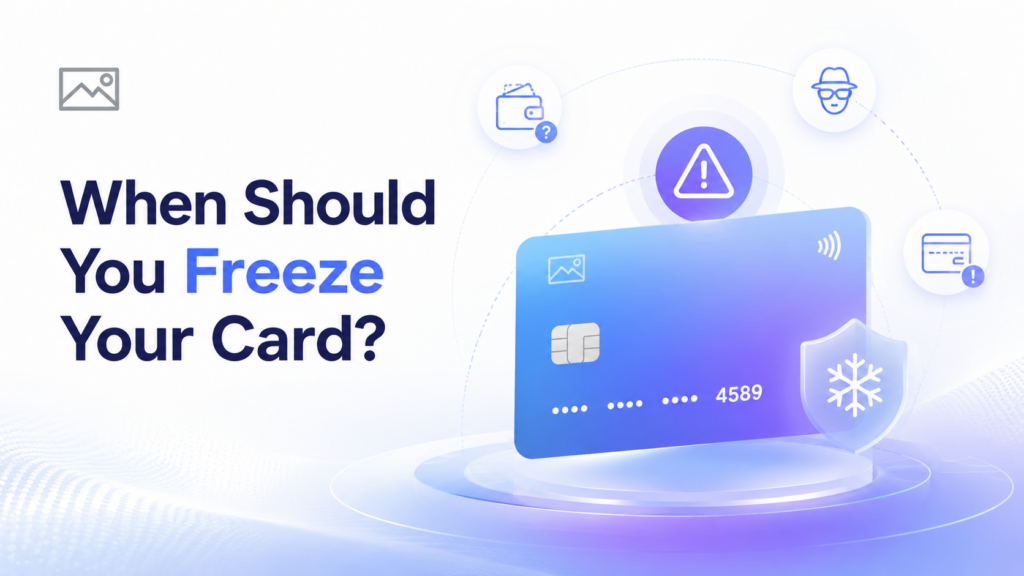
You do not need to be completely certain that a card has been stolen before taking action. If you believe your card details may be exposed, freezing it can be a smart first response.
Use One-Click Freeze when:
- Your physical card is missing.
- Your wallet or phone is lost.
- You see an unfamiliar transaction.
- You entered your card details on a suspicious website.
- You no longer need a virtual card used for a trial subscription.
- Someone may have seen your card number or CVV.
- You suspect your card was used without permission.
Using the option to block card if lost can help you react before an issue becomes larger. It is also useful when you need a few minutes to check whether the card is simply misplaced at home, in a car, or at work.
Read More: How to Set Spending Limits on Your Cards to Budget Smarter
How to Freeze a Card From the Carda App
Carda App allows users to manage cards directly from inside the application. The process is designed to be simple so that you can protect your card without waiting for outside assistance.
Follow these steps:
- Open the Carda App.
- Sign in to your account securely.
- Go to My Cards.
- Select the card you want to protect.
- Open the card controls or card settings.
- Choose Freeze Card.
- Confirm the action if requested.
- Review your most recent transactions.
This lets you lock card from app quickly when you notice a problem. Once the freeze is active, you can focus on reviewing transactions and deciding whether the card can be used again later.

What Happens After You Freeze a Card?
The purpose of One-Click Freeze is to help restrict new card activity while you investigate the situation. It gives you a pause button for your card when you need immediate protection.
After freezing a card, you should:
- Review your latest transactions
- Check for unknown merchants or duplicate charges
- Confirm whether the card is actually missing
- Review any subscriptions linked to the card
- Change your account password if your device or account access may be affected
- Contact official support if you find suspicious activity
A frozen card can help stop card transactions while you decide what to do. Depending on the card type, account setup, and reason for the freeze, you may be able to unfreeze it later if you find it and confirm that it remains safe to use.
If you believe the card was compromised, stolen, or copied, keep it frozen and contact official support for the safest next step.

Freeze Your Virtual Card for Safer Online Payments
A virtual card can be used for specific online payments such as subscriptions, digital tools, travel bookings, or temporary services. Once that purpose is complete, you may want to freeze the card instead of leaving it active.
The ability to freeze virtual card activity can help users manage online payment exposure with more control.
Common examples include:
- A card used for a free trial
- A card used for a short-term subscription
- A card created for an advertising campaign
- A card used for a one-time online purchase
- A card used for a specific project budget
- A card linked to a service you no longer use
This strengthens virtual card security because you can keep active cards limited to the services that still need them.
Carda App also states that users can create and manage multiple cards inside the app, which can help separate spending purposes and make each card easier to monitor.
Read More: How to Buy a Virtual Visa Card Using USDT

What to Do After Blocking a Lost or Stolen Card
Freezing your card is an important first step, but it should be followed by a quick review of your account.
Use this action plan after you block stolen card activity:
- Check recent card transactions carefully.
- Take screenshots of unfamiliar charges.
- Change your password if your account access may be exposed.
- Review your linked devices and security settings.
- Contact support through official Carda App channels.
- Keep the card frozen until you understand what happened.
- Use a backup payment option if you need to make a purchase.
This process supports stronger lost card security because it combines immediate card controls with account review and follow-up action.
Do not rely on random social-media accounts, unofficial phone numbers, or suspicious messages claiming to offer support. Use only verified Carda App contact channels.

Smart Habits That Help Protect Your Card
One-Click Freeze is useful during an emergency, but proactive habits can lower the chance of needing it.
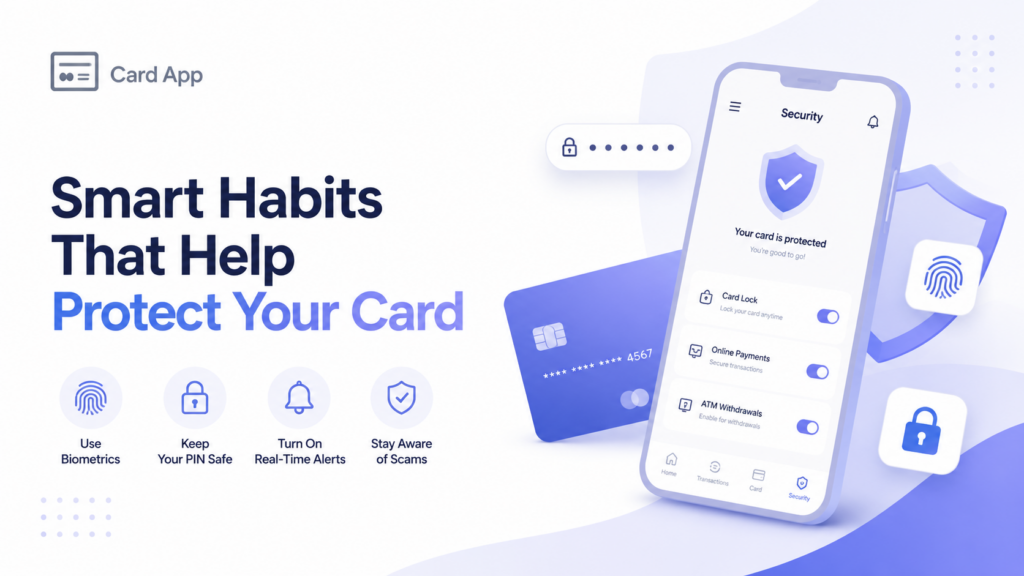
Use these secure card controls and safety habits:
- Keep your card number and CVV private.
- Never share one-time verification codes.
- Use a strong, unique password for your account.
- Review card activity regularly.
- Use separate virtual cards for different spending purposes.
- Freeze cards you no longer need.
- Avoid saving card details on unknown websites.
- Use official apps and trusted payment pages only.
- Keep your phone updated and protected with a passcode.
These steps help protect card balance and reduce unnecessary exposure when shopping, subscribing to services, or using online payment tools.
Frequently Asked Questions About One-Click Freeze
Can I freeze my Carda App card instantly?
Yes. Carda App states that users can stop or freeze a card directly inside the app to help protect their balance and account data.
Can I freeze a virtual card?
Yes. Carda App states that virtual cards can be managed inside the app, and users can stop or freeze cards directly when needed.
Should I freeze my card if I see an unfamiliar payment?
Yes. Use One-Click Freeze as soon as possible, then review the transaction and contact official support if the payment appears suspicious.
Can I use my card again after freezing it?
This depends on the available controls, the card type, and the reason for the freeze. If your card was lost, stolen, or exposed, contact official support before using it again.
Final Thoughts: Protection in One Tap
One-Click Freeze gives users a fast way to protect a card when it is lost, stolen, exposed, or no longer needed. It helps turn a stressful situation into a simple action: open the app, select the card, and freeze it.
With Carda App, you can manage cards, monitor transactions, and use card security controls from one place. When something feels wrong, acting quickly can help protect your balance and keep your payments under control.

Readers also like:

App Features
One-Click Freeze: How to Instantly Block Your Card If Lost or Stolen
Losing a card can feel stressful, especially when you are unsure whether it was misplaced, left somewhere, or taken by someone else. In those moments, speed matters. One-Click Freeze gives…
App Features
The Tech Behind Carda App: How We Secure Your Financial Data
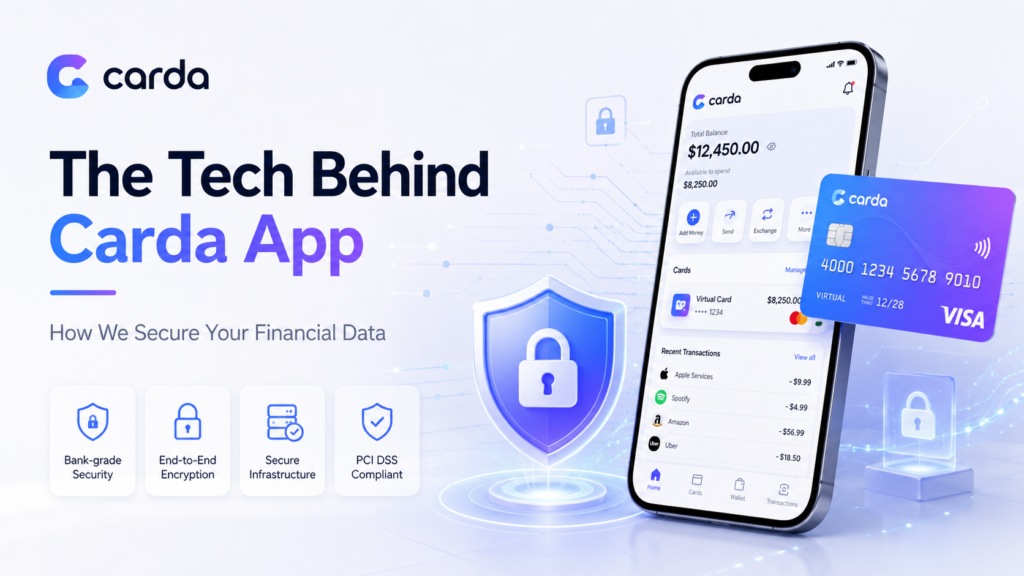
When you use a digital wallet or a virtual card, you share sensitive information such as payment details, account access data, and transaction history. That is why secure financial data…
Virtual Card
How to Set Spending Limits on Your Cards to Budget Smarter
Overspending rarely starts with one major purchase. It usually comes from many small transactions: subscriptions, online shopping, food delivery, travel bookings, and app payments that slowly exceed your plan. That…
Virtual Card
Top 5 Benefits of Using a Virtual Card for International Business Travel
International business travel moves fast. A meeting can lead to a last-minute flight, an extra hotel night, airport transport, or an urgent software purchase. Using a virtual card for business…
Virtual Card
How to Buy a Virtual Visa Card Using USDT
A Virtual Visa Card can be a practical option for users who want to turn their USDT balance into a payment tool for websites, apps, subscriptions, and online services. Instead…
Virtual Card
Virtual Visa Card for ChatGPT, Netflix, and Online Subscriptions
A Virtual Visa Card is one of the easiest payment tools for users who want to pay for online subscriptions without using a physical card. It can be used for…

Virtual Card
Virtual Card: How to Create and Use It Online
The Card App virtual card is a digital payment card that helps users make online payments through websites and apps without waiting for a physical card. It is created directly…